Contact salesSign inSign up
AuthsignalAuthsignal
Product
Passwordless / multi-factor authentication (MFA)
Drop-in authentication
Risk-based authentication
Passkeys
Biometric authentication
WhatsApp OTP
Authenticator apps (TOTP)
Push authentication
SMS OTP
Email OTP
Magic links
See all authenticators
See less authenticators
Palm biometrics
Contactless payments & identity verification
Flexible integration modes
Pre-built UI
Low code
UI components
Customizable
Custom UI
Flexible
Digital credentials API Beta
Authenticate customers instantly using digital credentials
Session management
Keep users signed in across web and mobile after authentication
Fraud Controls
Rules and policies engine
Step-up authentication
No-code rule creation
Risk alerts
User observability
Audit trails
Dynamic linking
Why Authsignal?
Complete authentication infrastructure from enrollment to step-up auth, modular by design
Solutions
By USE CASE
View All
Account takeovers (ATO)
Go passwordless
Call center
SMS cost optimization
Existing apps
QR code payments
Step-up MFA
Palm biometrics payments
By INDUSTRY
View All
Financial services
Marketplace
e-Commerce
FinTech
Crypto
Healthcare
By Integration (identity provider)
Amazon Cognito
Azure AD B2C
Duende IdentityServer
Keycloak
Auth0
NextAuth.js
Custom identity provider
By ROLe
Engineers
Product
Passwordless / Multi-factor Authentication (MFA)
Flexible Integration Modes
Pre-built UI · Low code
UI Components · Customizable
Custom UI · Flexible
Digital credentials API Beta
Authenticate customers instantly using digital credentials
Session management
Issue JWT access and refresh tokens
Why Authsignal?
Plug in Authsignal to elevate your IDP — effortless integration with any architecture.
Drop-in Authentication
Risk-based authentication
Passkeys
Biometric authentication
WhatsApp OTP
SMS OTP
Email OTP
Magic links
Authenticator apps (TOTP)
Push notifications
Palm Biometrics
Contactless payments & identity verification
Fraud Controls
Rules and Policies Engine
Step-up Authentication
No Code Rule Creation
Risk Alerts
User Observability
Audit Trails
Use Cases
Financial services
Account takeovers (ATO)
Marketplace
Go passwordless
e-Commerce
Solutions
By Use Case
Account takeovers (ATO)
Go passwordless
Call center
SMS cost optimization
Existing apps
QR code payments
Step-up MFA
Palm Biometric Payments
View all Use Cases
By Industry
Financial services
Marketplace
e-Commerce
FinTech
Crypto
Healthcare
View all Industries
By Integration (identity provider)
Amazon Cognito
Azure AD B2C
Duende IdentityServer
Keycloak
Auth0
NextAuth.js
Custom identity provider
By Role
Engineers
PricingAboutDocsBlog
Schedule a call
Try Authsignal
AUS Flag

Authsignal secures millions of passkey transactions out of our hosted Sydney region.

AUS Flag

Authsignal secures millions of passkey transactions out of our hosted Sydney region.

Join us today!
Right icon
Blog
/
Current article
AWS Cognito
AWS
Adaptive MFA
Risk based authentication

Building adaptive authentication with Amazon Cognito and Authsignal

Ashutosh Bhadauriya
⬤
November 25, 2025
Share
Building Adaptive Authentication With Amazon Cognito And Authsignal

If you’ve built authentication with Amazon Cognito, you know it handles the heavy lifting of user management beautifully. But modern applications need more than just sign-in security. You need to protect high-value transactions, detect suspicious behavior mid-session, and adjust your security without deploying new code every time your fraud team spots a new attack pattern.

We recently published a piece on the AWS Partner Network blog exploring how Authsignal extends Cognito's capabilities to enable adaptive and continuous authentication. In this post, we'll take a more practical approach and show you how to actually implement this in your application.

‍

The problem with static authentication

Let’s start with a common scenario. You’ve built a fintech app using Cognito for user authentication. Your security team wants to add extra verification for transactions over $1,000, require additional checks when users sign in from new devices, and step up authentication when accessing sensitive account settings.

With Cognito alone, you’d need to build custom Lambda triggers, manage complex authentication state, and update code every time business requirements change. Your fraud analyst wants to adjust the $1,000 threshold to $500 based on emerging patterns? That's a code deployment.

This is where continuous authentication chimes in. Instead of treating authentication as a one-time gate at sign-in, you can verify users throughout their journey based on what they're actually trying to do.

‍

How Authsignal extends Cognito

Authsignal integrates with your existing Cognito user pool and adds three key capabilities:

1. Flexible authentication methods beyond Cognito's built-in options

While Cognito supports SMS, TOTP, email OTP, and passkeys, Authsignal adds WhatsApp OTP, push notifications, QR code verification, biometric verification with liveness detection, and more. This gives you options to balance security, user experience, and cost for different scenarios.

2. A no-code rules engine for adaptive authentication

Your business users (fraud analysts, product managers) can configure authentication rules based on risk signals, user context, and transaction data without touching code. The rules engine evaluates factors like device fingerprint, location, transaction amount, and user behavior to determine the right authentication method at the right time.

3. Continuous authentication throughout the user journey

After the initial Cognito sign-in, Authsignal can challenge users at critical points like high-value transactions, sensitive data access, or security setting changes. This means lower friction at sign-in and stronger protection where it actually matters.

‍

Architecture overview

Here's how the pieces fit together:

  1. Users sign in through your application using Cognito
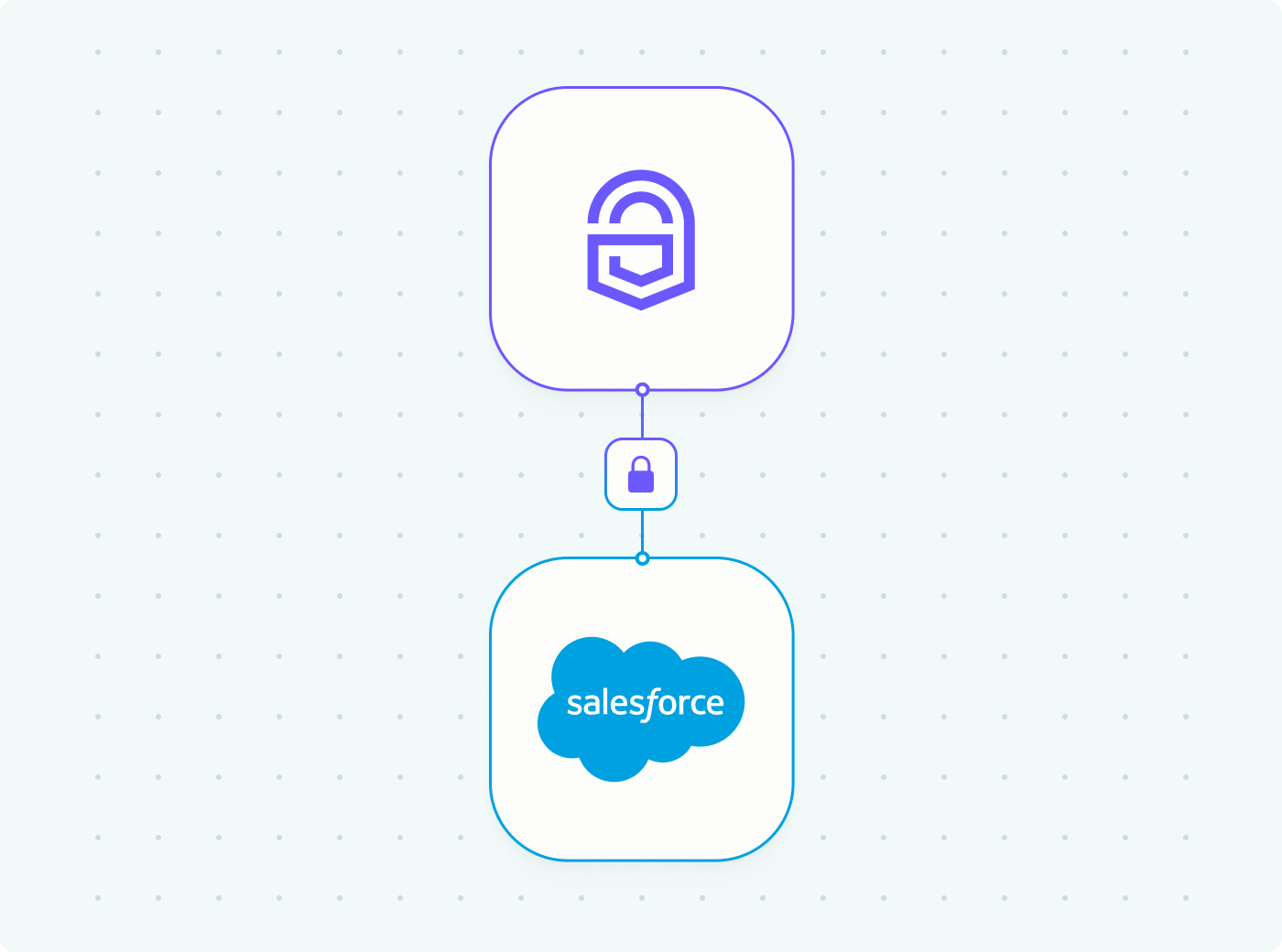
  2. Cognito invokes Authsignal via Lambda triggers (Create Auth Challenge, Verify Auth Challenge Response) during the authentication flow
  3. Authsignal's rules engine evaluates the context and selects the appropriate authentication method
  4. For continuous authentication after sign-in (like payments or changing settings), your application backend calls Authsignal's API directly to challenge users when needed
  5. Business users configure rules and policies through Authsignal's dashboard

‍

Implementation walkthrough

Step 1: Set up your Authsignal tenant

First, you'll need an Authsignal account. You can find Authsignal in the AWS Marketplace or sign up directly at authsignal.com.

Once you have your tenant, grab your API key and tenant URL. You'll need these for the integration.

Step 2: Integrate with Cognito for sign-in

Authsignal provides a Lambda layer that makes the Cognito integration straightforward. You'll add Authsignal checks to your Cognito user pool's Define Auth Challenge Lambda trigger.

Check out our Cognito integration guide for the detailed setup steps and Lambda code examples.

Step 3: Add continuous authentication to your application

After sign-in, you can challenge users at any point in their journey.

Here's a conceptual example for a payment flow:

// User attempts a payment
async function processPayment(userId, amount) {
  // Track the payment action with Authsignal
  const result = await authsignal.track({
    userId,
    action: 'payment',
    attributes: {
      custom: {
        amount
      }
    }
  });

  // Check if additional authentication is required
  if (result.state === 'CHALLENGE_REQUIRED') {
    return {
      requiresAuth: true,
      challengeUrl: result.url, // for prebuilt-ui
      token: result.token // for custom ui
    };
  }

  // Proceed with payment
  return processPaymentTransaction(amount);
}

Step 4: Configure your authentication rules

This is where non-technical users take over. In the Authsignal dashboard, you can create rules like:

  • If payment amount > $1000 AND user is on a new device, require passkey authentication
  • If user location changed countries, require email OTP verification
  • If accessing security settings AND last authentication > 5 minutes ago, require push notification

These rules can be updated in real-time without redeploying your application.

‍

Real-world use cases

E-commerce platform: Use lightweight authentication at checkout for small purchases, but require additional verification for orders over $500 or when shipping to a new address.

Banking application: Allow users to view balances with just their initial sign-in, but challenge them with biometric verification when initiating wire transfers or updating beneficiaries.

Healthcare portal: Enable quick access to appointment scheduling with basic auth, but require stronger verification when accessing medical records or submitting insurance claims.

SaaS platform: Let users browse and use basic features freely, but step up authentication when they try to modify billing information or access admin panels.

‍

What's next?

If you're already running Cognito, you can integrate Authsignal without disrupting your existing authentication flow.

We've put together some resources to help you implement this:

  • Full integration documentation with code examples
  • SDK documentation for your application integration

You can also reach out to our team for guidance specific to your use case. We've helped teams implement this pattern across fintech, healthcare, e-commerce, and SaaS applications.

Check out Authsignal on AWS Marketplace or visit authsignal.com to get started.
Question icon
Have a question?
Talk to an expert
NewsletterDemo PasskeysView docs
AWS Cognito
AWS
Adaptive MFA
Risk based authentication

You might also like

How to add push authentication to your app with Authsignal and React Native
Push authentication
React native
Node.js
Multi-factor authentication
Guides

How to add push authentication to your app with Authsignal and React Native

March 27, 2026
BSP Circular 1213: Philippine banks must replace SMS OTPs by June 2026
BSP Circular 1213
Philippine banking
SMS OTP
Risk based authentication

BSP Circular 1213: Philippine banks must replace SMS OTPs by June 2026

March 18, 2026
How to add adaptive MFA and passkeys to any web app with Authsignal and Lambda@Edge
AWS
Authentication
Security

How to add adaptive MFA and passkeys to any web app with Authsignal and Lambda@Edge

March 10, 2026

Secure your customers’ accounts today with Authsignal

Passkey demoCreate free account

Authsignal delivers passwordless and multi-factor authentication as a service. Focused on powering mid-market and enterprise businesses to rapidly deploy optimized good customer flows that enable a flexible and risk-based approach to authentication.

AICPA SOCFido Certified
LinkedInTwitter
Passwordless / multi-factor authentication (MFA)
Pre-built UI (low code)UI components (customizable)Custom UI (flexible)
Why Authsignal?
Drop-in authentication
Risk-based authentication PasskeysBiometric authenticationWhatsApp OTPSMS OTPEmail OTPMagic linksAuthenticator apps (TOTP)Push authenticationPalm biometricsDigital Credential Verification API
Rules and policies engine
User observability
Industries
Financial services
Marketplace
e-Commerce
FinTech
Crypto
View all industries
Teams
Engineers
Use cases
Account takeovers (ATO)
Go passwordless
Call center
SMS cost optimization
Existing apps
View all use cases
Identity providers (IDPs)
Amazon Cognito
Auth0
Azure AD B2C
Custom identity provider
Duende IdentityServer
Keycloak
NextAuth.js
Integrations
ASP.NET
C#
Java
Node.js
Open ID Connect (OIDC)
PHP
Python
React
Ruby
Ruby on Rails
Compare
Twilio Verify vs AuthsignalAuth0 vs AuthsignalAWS Cognito vs Authsignal + AWS Cognito
Resources
BlogDeveloper docsFree Figma mobile passkeys templateFree Figma desktop passkeys templateFree Figma webapp passkeys template
Company
About usWhy AuthsignalCareersPress releasesPartnersContact us
What is
SMS OTP
Risk Based Authentication
IP Spoofing
Passwordless authentication
Multi-Factor Authentication (MFA)
United States
+1 214 974-4877
Ireland
+353 12 676529
Australia
+61 387 715 810
New Zealand
+64 275 491 983
© 2026 Authsignal - All Rights Reserved
Terms of servicePrivacy policySecuritySystem statusCookies