
Session management for authentication flows with Authsignal
After users authenticate with Authsignal, issue JWT access tokens and refresh tokens to maintain secure sessions across web and mobile platforms.
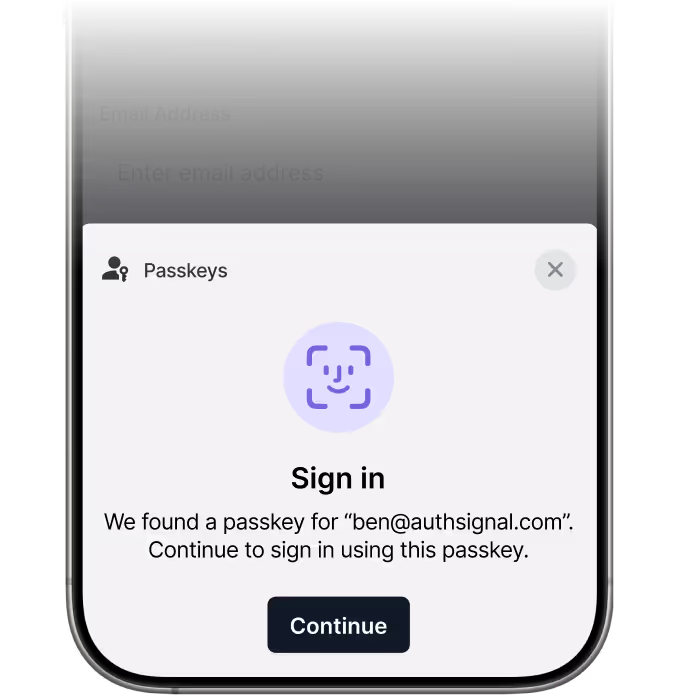
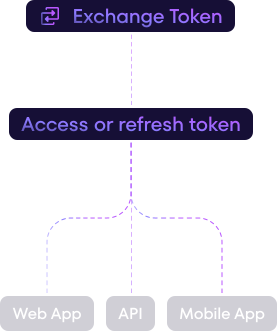






Built for teams using Authsignal authentication who need to manage authenticated sessions across multiple platforms (web, mobile, API clients).

Keep users authenticated across web and mobile platforms
After users complete authentication (passkeys, OTP, biometrics), exchange the client token for JWT access and refresh tokens. Manage the entire session lifecycle with simple SDK methods.
Four steps to authenticated sessions
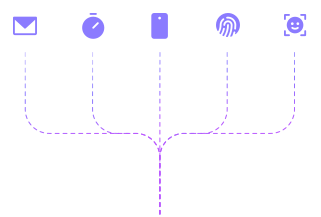
Complete passkey, email OTP, SMS, TOTP, or any other Authsignal authentication method
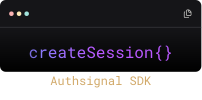
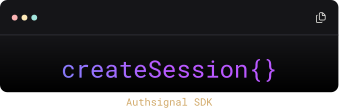
Call createSession() with the Authsignal client token to get access and refresh tokens
Use the JWKS endpoint to verify tokens at your API gateway or server-side applications
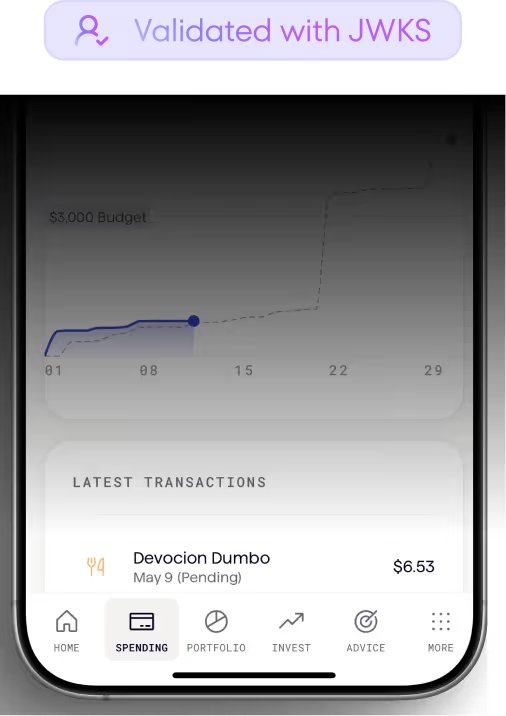
Use the JWKS endpoint or SDK's validateSession() method to verify tokens on each request

When to use Authsignal session management
Multi-platform applications
Issue different token durations for web, iOS, and Android clients. Configure separate app clients with custom access and refresh token lifetimes for each platform.
Passwordless authentication flows
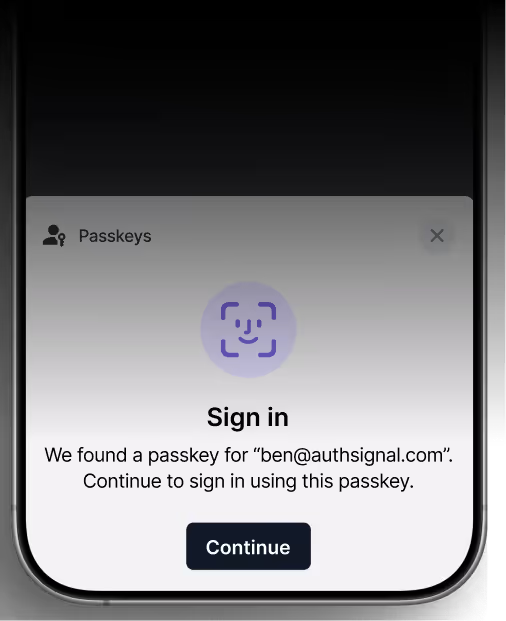
After users sign in with passkeys or email OTP, immediately issue JWT tokens. No need to manage separate session infrastructure alongside your authentication system.
Custom token claims
Configure additional claims to be included in access tokens. Custom claims are mapped from user attributes which can be set via Server SDKs or the REST API.
Key capabilities
App client configuration
Create multiple app clients in the Authsignal Portal, each with custom access and refresh token durations. The client ID becomes the aud claim in your access tokens, letting you configure different session lengths for different platforms.

RS256-signed JWT tokens
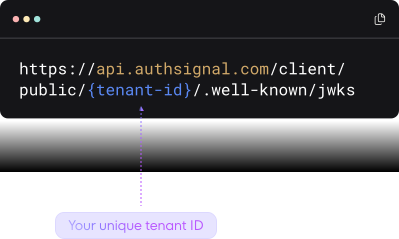
Access tokens are signed with the RS256 algorithm and can be validated using your tenant's JWKS endpoint. Verify tokens in any language or framework using standard JWT libraries.
Single-use refresh tokens
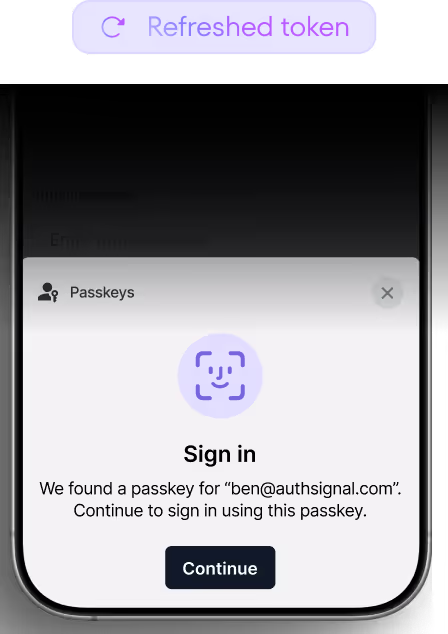
Refresh tokens are automatically rotated on each use. When you call refreshSession(), you get both a new access token and a new refresh token, with the old refresh token invalidated.
Custom claims support
Configure additional claims to be included in access tokens for each app client. Custom claims are mapped from user attributes set via Server SDKs or the REST API, letting you include data like email, phone number, or custom attributes in your tokens.
.svg)
Works with all auth methods
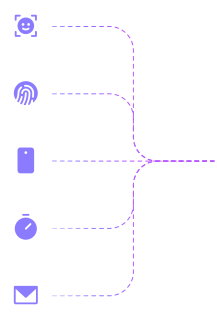
After users complete any Authsignal authentication method (passkeys, email OTP, SMS, TOTP, WhatsApp, biometrics), exchange the client token for session tokens. One session API across all authentication types.
Manage authenticated sessions for Authsignal users
Already using Authsignal for your step-up flows? Add session management to issue JWT tokens after users authenticate, manage sessions across platforms, and handle token lifecycle with simple SDK methods.
Get started in minutes with your existing Authsignal integration.