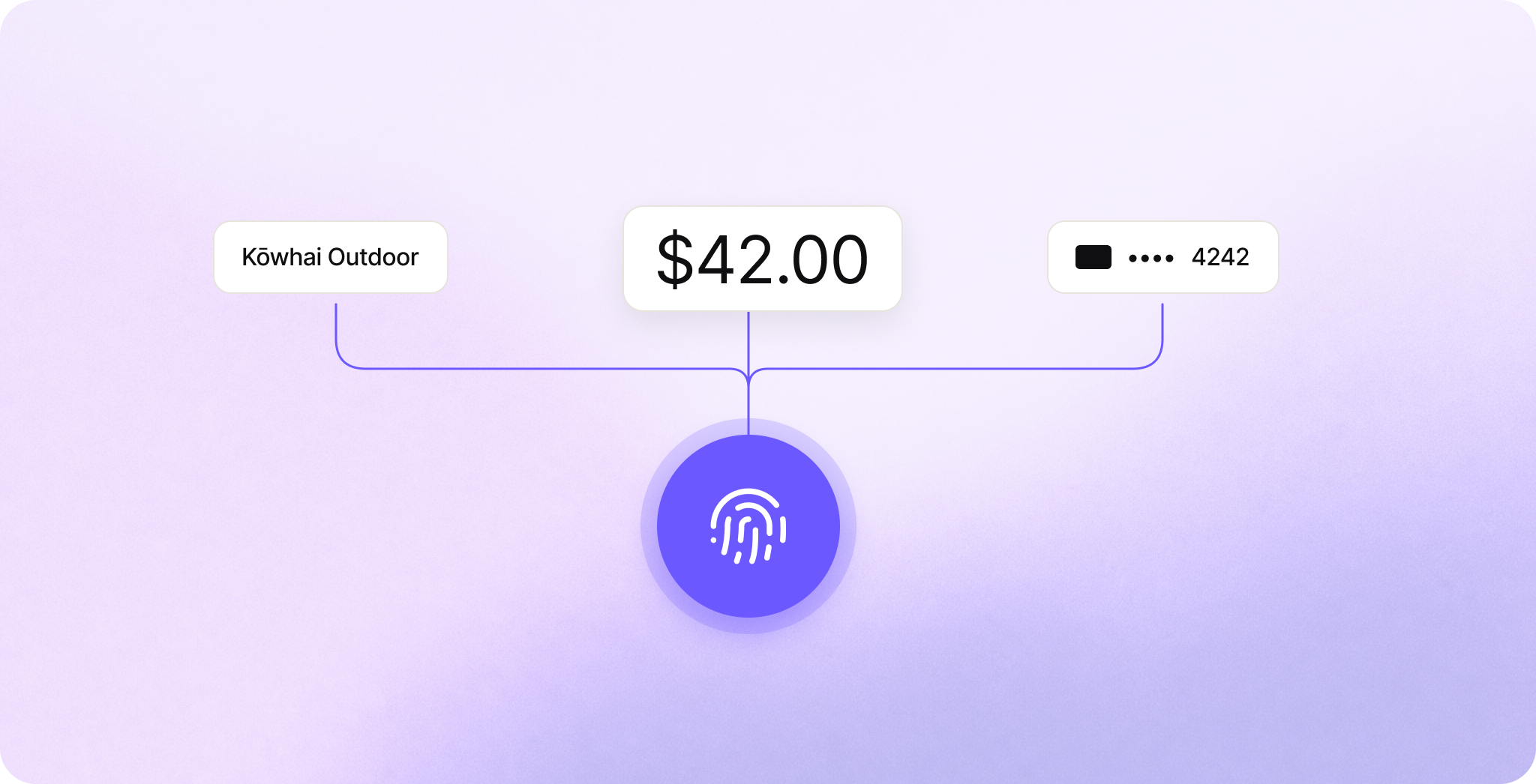
3-D Secure is the step where a card issuer checks that the person paying is really the cardholder. Today that check usually means a code sent by text message. A window opens over the checkout, the cardholder switches to their messages, copies six digits, then switches back to type them in. It's a lot to ask at the moment someone is trying to pay, and some people give up before the payment goes through.
Secure Payment Confirmation (SPC) turns that challenge into a single step. The browser shows its own payment dialog with the merchant, the amount and the card, and the cardholder approves it with the fingerprint, face scan or PIN they already use to unlock their device. SPC works today in Chrome on Mac, Windows and Android.
Authsignal now supports SPC, so issuers and the ACS providers they work with can offer it in their 3-D Secure challenges without building the passkey side themselves.
What is SPC
SPC is a W3C specification built on WebAuthn, the technology behind passkeys. The issuer enrolls a passkey for the cardholder, and at checkout the browser can use that passkey to approve one specific payment.
A regular passkey only works on the site that created it, but the issuer's SPC passkey can be used on the merchant's site. The browser draws the confirmation dialog itself. The page that calls SPC passes in what the dialog shows, but it can't show the cardholder one thing and have the passkey sign another.
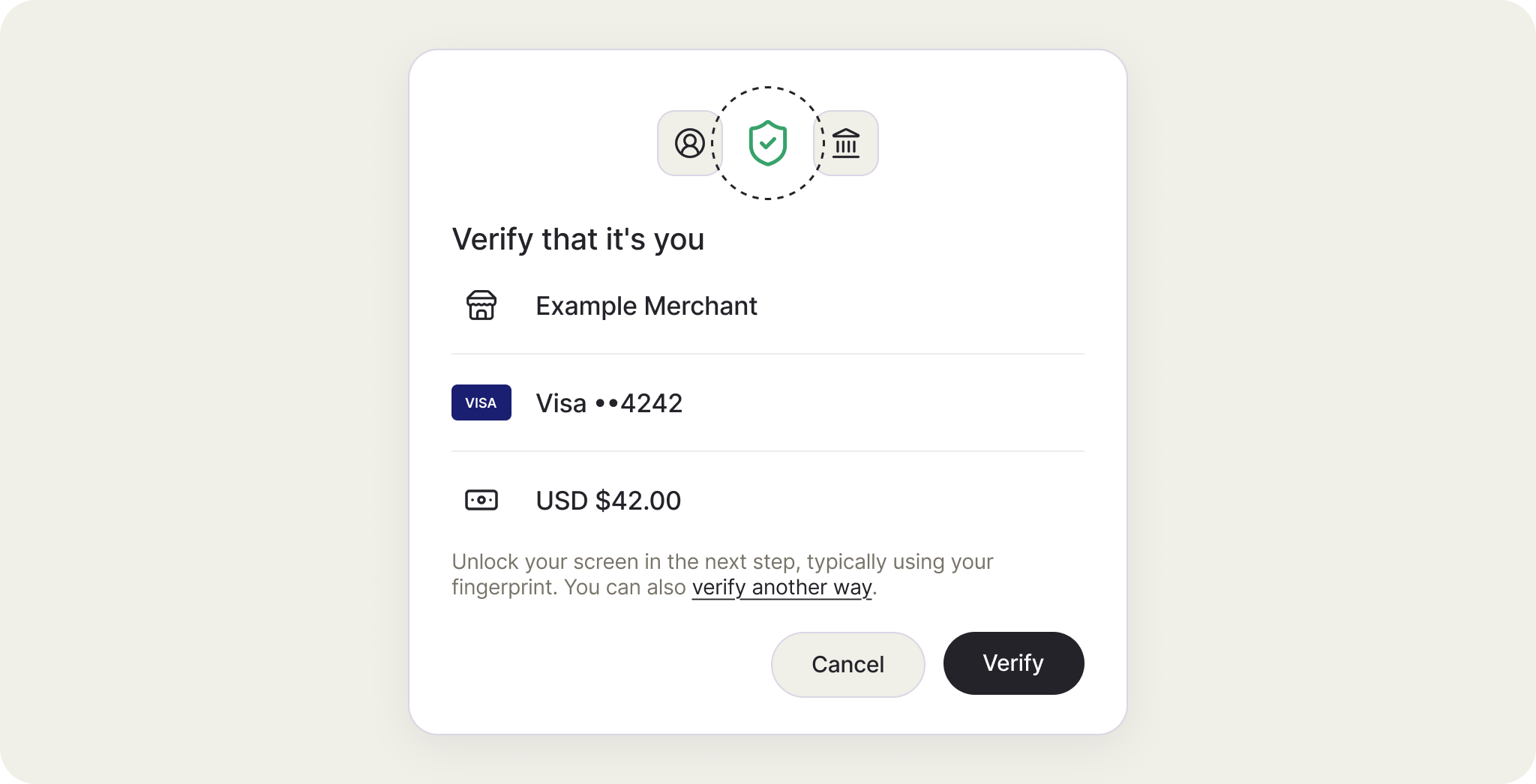
With a one-time code, the link between the code and the transaction lives in the issuer's systems. With SPC, the amount and payee are inside a signature made on the cardholder's device, so the issuer gets PSD2 dynamic linking with proof of exactly what the cardholder approved.
How it fits into 3-D Secure
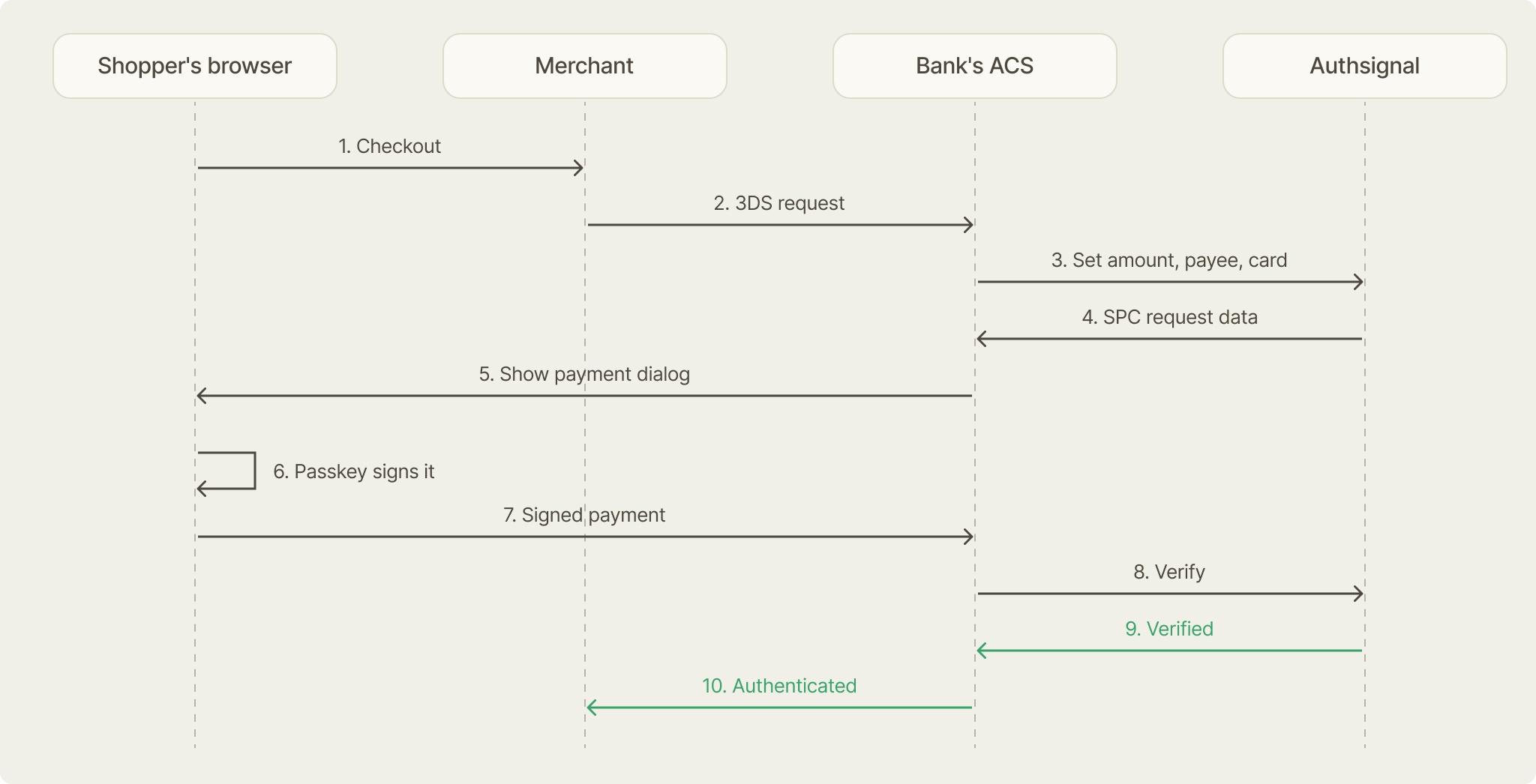
EMV 3-D Secure 2.3.1 supports SPC in two flows. In both, the issuer sets the payment details and decides whether the payment is authenticated.
In the ACS-initiated flow, the issuer's Access Control Server (ACS) decides a challenge is needed and runs SPC inside its own challenge window. The merchant's checkout flow stays the same. The one change is on the challenge iframe: whoever creates it, usually the 3DS Server's script, adds allow="payment" so the ACS page can call SPC (plus publickey-credentials-get if the ACS falls back to a regular passkey). This is the flow we recommend, because the issuer controls the whole experience.
In the merchant-initiated flow, the ACS answers the AReq with the cardholder's credential IDs and the SPC transaction data instead of opening a challenge window. The merchant runs SPC on its own checkout page, and the 3DS Server sends the signed result back to the ACS in a second AReq. The cardholder never sees a challenge window, but every 3DS Server and directory server in the path has to support 2.3.1 and that second round trip.
What Authsignal does
In SPC the issuer is the passkey's relying party: it enrolls the credential, issues the challenge and verifies the signed result. Authsignal does that job behind the ACS. The ACS keeps the 3-D Secure messaging and the authentication value it generates, and Authsignal never sees the card number.
At enrollment, when the issuer registers a passkey with SPC switched on, Authsignal asks for a credential on the device's built-in authenticator (Touch ID, Windows Hello, or Google Password Manager on Android) and requires a biometric or screen lock. It marks the credential as payment-capable only after the browser confirms it can be used for payments.
At payment time, the ACS sends Authsignal the amount, currency, merchant and the card label to display. Authsignal returns what the browser needs to show the dialog, and it lists only passkeys enrolled for payments. Because the card label is set per transaction, one passkey covers every card the cardholder has with the issuer.
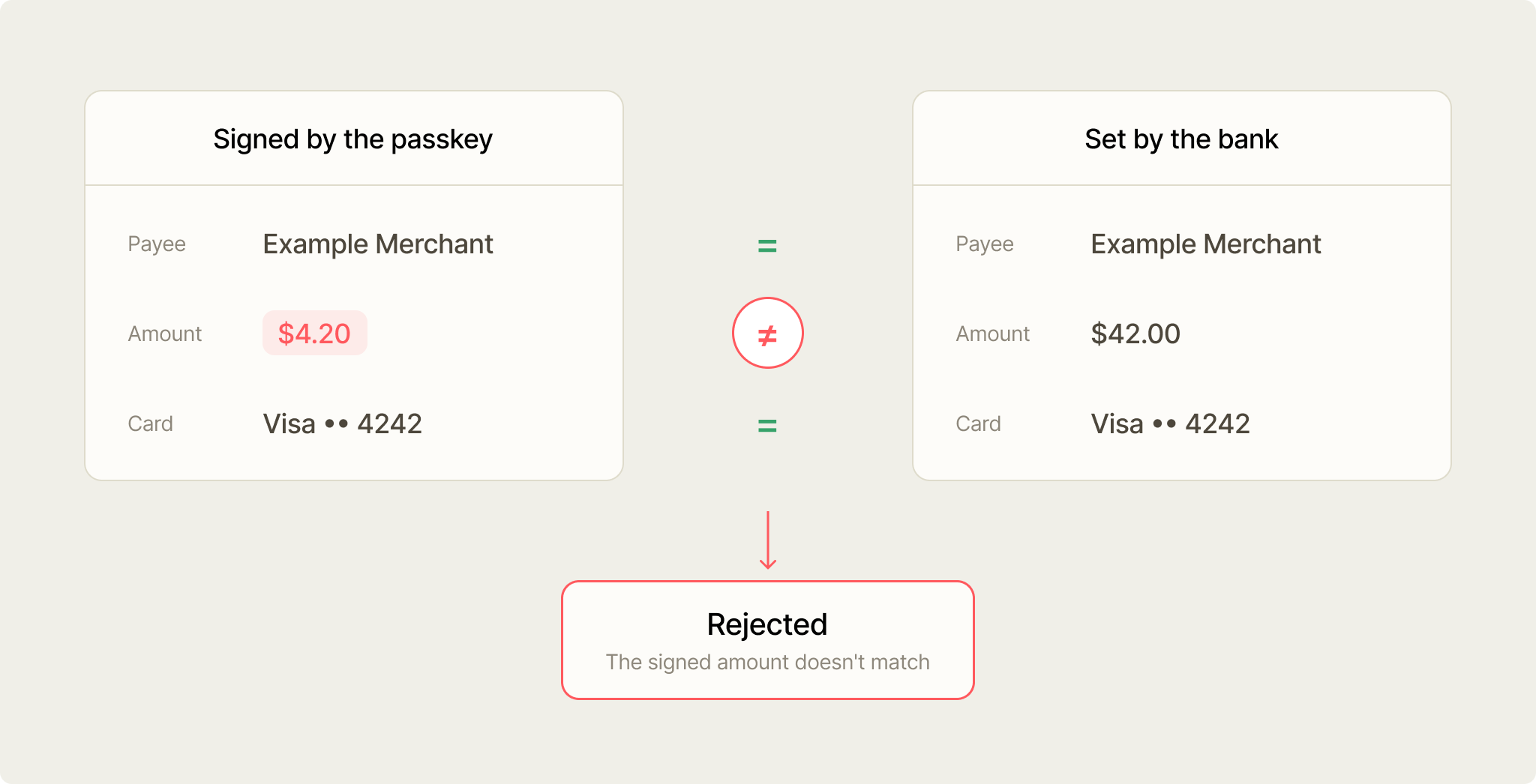
When the signed result comes back, Authsignal checks the signature and compares every signed field with what the ACS sent. Any mismatch fails. A session that starts as SPC also accepts only a payment signature, so the page can't swap in a regular passkey sign-in.
Say a compromised checkout page in the merchant-initiated flow passes $4.20 to the browser for a $42.00 payment. The cardholder approves $4.20, and Authsignal rejects the signature because the issuer set $42.00.
Browser support and the fallback
SPC works in Chrome on Mac, Windows and Android. Safari and Firefox don't support it, and Chrome on iOS runs on Safari's engine, so iPhones are out for now.
So the fallback is part of the design. In the ACS-initiated flow the ACS checks for support before offering SPC, and in the merchant-initiated flow the merchant signals support in the AReq. Everyone else gets the challenge they get today. We recommend SPC first, then a regular passkey, then a one-time code or app approval.
A cardholder on a supported browser who has no SPC passkey yet gets a code this time and can be offered enrollment right after, so they skip the code next time.
Getting started
You'll need EMV 3-D Secure 2.3.1 and an Authsignal tenant with passkeys enabled. Our SPC guide covers enrollment, both 3-D Secure flows, the EMV field mapping and browser feature detection.
If you run an ACS or a 3DS Server, or you're an issuer working with one, talk to us about trying it on a test tenant.