


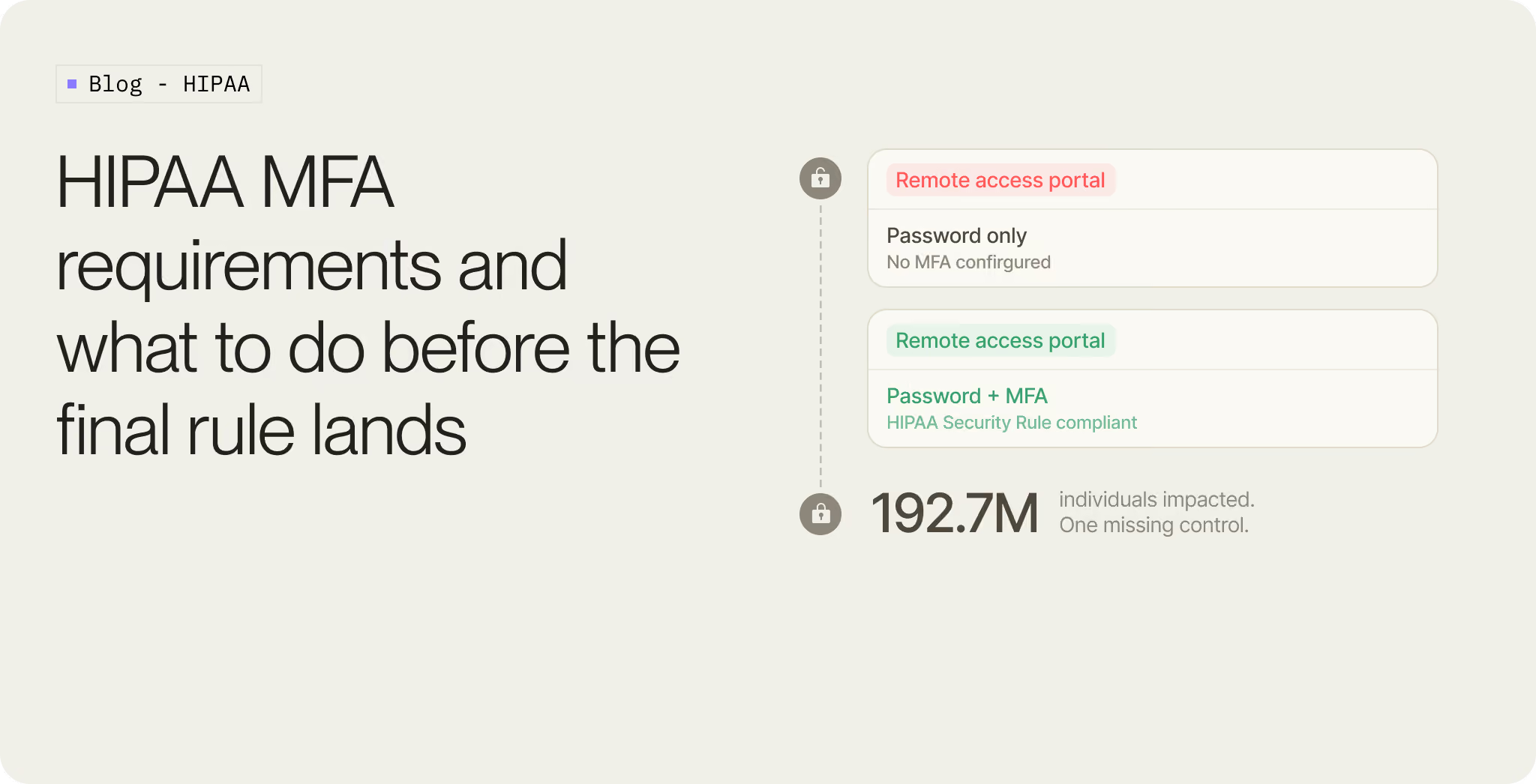
In February 2024, criminals used compromised credentials to access a Change Healthcare Citrix remote access portal that had no multi-factor authentication. According to UnitedHealth CEO Andrew Witty's Congressional testimony, the attackers moved laterally, exfiltrated data, and deployed ransomware nine days later.
It became the largest healthcare data breach ever reported in the US. HHS later said Change Healthcare notified OCR that approximately 192.7 million individuals had been impacted.
The cause was not a zero-day or a nation-state operation. One missing control on one system.
That is the backdrop for the proposed HIPAA Security Rule changes. On January 6, 2025, HHS published a Notice of Proposed Rulemaking that would make the Security Rule far more specific. For most healthcare security and IT teams, the headline is simple: MFA would become an explicit requirement, with limited exceptions.
One point of precision first. As of June 2026, this is still a proposed rule. OCR has not published the final rule, and the new MFA requirement is not yet being enforced. The federal regulatory agenda listed final action for May 2026, but that date has passed without a final rule. The timing may change, but the direction is clear enough to plan around.
This guide is about preparing now, before the final rule starts the clock.
Does HIPAA require MFA today?
In practice, mostly yes. The current Security Rule at 45 CFR 164.312 requires "person or entity authentication," meaning you have to verify that whoever is touching ePHI is who they claim to be. OCR has treated MFA as a baseline reasonable-and-appropriate control in its risk assessments and enforcement for years.
The catch is the word "addressable." Under 45 CFR 164.306(d), the rule sorts implementation specifications into two buckets. "Required" specifications must be implemented as written. "Addressable" ones give a covered entity a choice: implement the control, implement an equivalent alternative, or document why neither is reasonable and appropriate for the environment. Authentication controls sit in the addressable bucket.
That third option is the gap. For more than a decade, a hospital could run a risk assessment, conclude that MFA on a shared nursing-station workstation or a legacy clinical app was too disruptive, write it down, and move on. Many did. The Change Healthcare portal sat in exactly that gap. It came in through an acquisition, never got folded into the company's MFA policy, and stayed that way.
What the proposed HIPAA Security Rule changes for MFA
The NPRM does one structural thing that ripples through everything else: it removes the distinction between "required" and "addressable" specifications. Almost everything becomes required, with a small set of narrowly defined exceptions that have to be documented.
For authentication, that means MFA becomes mandatory across every system that creates, receives, maintains, or transmits ePHI. A few details matter for how you scope the work:
The mandate covers all interactive workforce access. Remote logins and admin accounts are the obvious targets, but internal access to ePHI systems counts the same. Clinicians, billing staff, contractors, and vendors all fall inside it.
The rule extends to business associates. Every vendor, MSP, and third party with ePHI access has to enforce MFA, and you will need to cover that in your business associate agreements.
HHS provides a formal definition of MFA for the first time. It requires at least two independent factors drawn from different categories: something you know, something you have, or something you are. The "something you are" category now explicitly includes behavioral biometrics such as typing rhythm and mouse movement, which is new.
The proposed rule favors phishing-resistant methods. It leans on NIST SP 800-63B, which means FIDO2/WebAuthn, platform passkeys, and smart cards are the preferred options for privileged and remote access. SMS and voice one-time passcodes are not banned, but NIST classifies them as a restricted authenticator, and the NPRM treats them as the weakest acceptable choice.
Step-up authentication is encouraged. Higher-risk actions, like exporting a large dataset or logging in from an unfamiliar location, should trigger an additional check.
There are provisions for legacy systems that genuinely cannot support modern MFA. Those may rely on compensating controls such as network segmentation, tighter logging, or restricted access windows, with the exception documented.
On timing, once the final rule publishes the standard pattern is a 60-day effective date followed by a 180-day compliance deadline, so roughly 240 days end to end. Business associate agreements get a longer transition, generally the earlier of the next BAA renewal after the compliance date or one year after the effective date.
What MFA methods does the proposed rule point toward?
The proposed rule sets the floor, two factors from different categories. A password plus another password does not count. A password plus an authenticator app does.
Above that floor, not all MFA methods are equal.
The biggest line is between OTP-based MFA and phishing-resistant MFA.
SMS codes can be intercepted, redirected, or socially engineered through SIM swap and account takeover attacks. NIST's SP 800-63B treats restricted authenticators as something organizations need to risk-assess, offer alternatives for, and plan to migrate away from if risk increases.
Passkeys and hardware security keys solve the problem differently. They use public-key cryptography and are bound to the legitimate domain. If a clinician is tricked into visiting a fake login page, a passkey created for the real domain will not authenticate to the impostor site.
That is why healthcare teams should treat SMS as a bridge and phishing-resistant authentication as the destination.
Why healthcare is harder than most sectors
Telling a SaaS company to turn on MFA is one conversation. Telling a 400-bed hospital is several, because the environment resists in ways that do not show up in a generic security checklist.
Shared workstations are the first wall. Clinical staff move between computers at nursing stations, in labs, and in the OR, often logging in and out dozens of times a shift. Add a heavy username-password-plus-code step to that and you slow down care, which is not an abstract complaint when minutes matter.
This is also where blanket MFA fails on its own terms. Uniform prompts on every login create friction, and friction creates workarounds: shared sessions, written-down credentials, propped-open access. The teams that get this right do not apply the same check everywhere. They step up authentication based on risk, the action, the device, and the location, so routine work stays fast and the high-risk moments get the scrutiny.
Legacy applications are the second wall. Many EHR modules, medical devices, and older clinical apps were never built for SAML or OIDC. Some cannot speak to a modern identity provider at all, which is exactly why the NPRM keeps a narrow lane for compensating controls.
Then there is scale. A large health system can have hundreds of applications that touch ePHI, spread across cloud, on-prem, and hybrid setups, each with its own login story. Layer business associates on top, dozens of vendors and MSPs who also need access, and the surface area expands quickly.
Patient-facing systems are their own category. Telehealth platforms and patient portals need MFA that a 78-year-old can complete without abandoning the login and calling the front desk. Friction here drives down portal adoption and pushes work back onto already stretched staff.
All of this is why the compliance question is really an architecture question. With a 240-day window after the final rule, the wrong call early, deciding you need to rip out and replace your identity provider, can consume 12 to 18 months you will not have. The right call is usually narrower, and it is the one most teams underweight: keep the identity provider you already run, and add a dedicated MFA and orchestration layer on top of it. That single decision is the difference between a 240-day project and an 18-month one.
How to prepare now
You do not need the final rule to start. Most of the work below will be useful regardless of the exact final wording.
- Inventory every system that touches ePHI. Include EHRs, patient portals, billing systems, analytics tools, remote access portals, admin consoles, vendor access, and clinical applications.
- Record the current authentication state. For each system, document whether it uses SSO, local passwords, MFA, shared accounts, service accounts, or vendor-managed access.
- Sort access by risk. Privileged access, remote access, vendor access, patient-facing access, and routine workforce access should not all be treated the same.
- Move high-risk access toward phishing-resistant MFA. Start with admin accounts, remote access, and systems that expose large volumes of ePHI.
- Use adaptive step-up where workflows matter. Trigger extra checks for risky actions such as privilege changes, unusual locations, new devices, high-volume exports, or suspicious session behavior.
- Document systems that cannot support MFA. For each one, record the constraint, compensating controls, and migration plan. Network segmentation, access restrictions, monitoring, and restricted access windows may all be part of the answer.
- Start vendor conversations early. Business associates will need to demonstrate their own controls. Waiting until the final compliance deadline will compress legal, security, and procurement work into the same window.
- Build the audit trail as you go. The proposed rule is not asking for a policy document that says MFA exists. It expects evidence that controls are deployed and operating: who authenticated, with which method, against which policy, and what happened on the high-risk events. Capture that from day one, because reconstructing it later is far harder than logging it as it happens.
Why passkeys are the method to aim for
If you are going to do the work once, aim toward the method regulators and standards bodies are already favoring.
Passkeys are the user-friendly form of FIDO2/WebAuthn authentication. Instead of relying on a shared secret that can be phished or replayed, the user's device holds a private key. Authentication happens through a cryptographic challenge tied to the legitimate domain.
The user experience is also better when passkeys are implemented well. A clinician can authenticate with a fingerprint, face scan, or device unlock instead of waiting for an SMS code. A patient can do the same on a phone they already use every day.
There is a cost angle that healthcare CFOs tend to notice. Organizations sending millions of SMS OTPs a year are paying per message for the weakest method on the list. Moving that volume to passkeys cuts the bill and raises the security floor at the same time. Air New Zealand, after rolling out passkeys, cut its SMS authentication volume by around 90 percent.
For the deeper technical picture of where passkeys sit in the NIST framework, our NIST 800-63B passkeys supplementary guidelines breakdown walks through the assurance levels in detail.
How Authsignal helps healthcare teams meet the MFA requirement
For many healthcare organizations, the fastest path is not replacing the identity provider. It is adding a flexible MFA and passkey layer on top of the identity stack already in place. That is where Authsignal fits.
Authsignal adds adaptive MFA, passkeys, and step-up authentication without forcing a full identity migration. Healthcare teams can keep their existing IdP and use Authsignal to orchestrate stronger authentication across the journeys that matter most.
The rules engine lets teams define when to step up: a remote login, a new device, a privilege change, a high-risk location, or an attempt to export sensitive data. This is the part that makes MFA workable in a clinical environment, because blanket prompts create friction and friction creates workarounds. You apply the strong check where the risk is, and leave routine work fast.
Authsignal supports passkeys, security keys, TOTP, push, and other methods, so teams can match the method to the risk tier. Privileged access can move toward phishing-resistant methods first, while lower-risk or harder-to-migrate workflows use transitional methods with clear migration plans.
It also gives teams a complete record of authentication events, policy outcomes, user behavior, and step-up decisions. That is the evidence security, compliance, and audit teams will be asked for once MFA becomes a defined HIPAA requirement, and it is far easier to have it captured than to reconstruct it under a deadline.
For healthcare teams preparing for the final rule, the practical goal is to enforce stronger authentication without turning clinical and patient workflows into a support problem. If you want to walk through what HIPAA-ready MFA looks like for your environment, talk to our team.
Where this leaves you
The final HIPAA Security Rule is not published yet. Nobody can tell you the exact compliance date until HHS releases the final text.
The timeline after that is already set. The rule takes effect 60 days after publication, and compliance is due 180 days later. That is roughly eight months, and most of it goes to procurement and rollout, not the technical change itself.
MFA is moving from implied best practice to explicit requirement. Password-only access to ePHI systems is becoming harder to defend. SMS is becoming harder to justify as the long-term answer. Phishing-resistant authentication is where the market and the standards are going.
The organizations that handle this well will not wait for the Federal Register to start discovery. They will already be mapping ePHI systems, identifying authentication gaps, prioritizing high-risk access, and piloting passkeys where they make the most sense.
The final rule will start the deadline. It should not start the work.
.svg)

.png)
