Contact salesSign inSign up
AuthsignalAuthsignal
Product
Passwordless / multi-factor authentication (MFA)
Drop-in authentication
Passkeys
Biometric authentication
Risk-based authentication
WhatsApp OTP
Authenticator apps (TOTP)
App verification
Push authenticationQR code verificationIn-app verification
SMS OTP
Email OTP
Magic links
See all authenticators
See less authenticators
Palm biometrics
Contactless payments & identity verification
Flexible integration modes
Pre-built UI
Low code
UI components
Customizable
Custom UI
Flexible
Digital credentials API Beta
Authenticate customers instantly using digital credentials
Session management
Keep users signed in across web and mobile after authentication
Fraud Controls
Rules and policies engine
Step-up authentication
No-code rule creation
Risk alerts
User observability
Audit trails
Dynamic linking
Why Authsignal?
Complete authentication infrastructure from enrollment to step-up auth, modular by design
Solutions
By USE CASE
View All
Account takeovers (ATO)
Go passwordless
Call center
SMS cost optimization
Existing apps
QR code payments
Step-up MFA
Palm biometrics payments
By INDUSTRY
View All
Financial services
Marketplace
e-Commerce
FinTech
Crypto
Healthcare
By Integration (identity provider)
Amazon Cognito
Azure AD B2C
Duende IdentityServer
Keycloak
Auth0
NextAuth.js
Custom identity provider
By ROLe
Engineers
Product
Passwordless / Multi-factor Authentication (MFA)
Flexible Integration Modes
Pre-built UI · Low code
UI Components · Customizable
Custom UI · Flexible
Digital credentials API Beta
Authenticate customers instantly using digital credentials
Session management
Issue JWT access and refresh tokens
Why Authsignal?
Plug in Authsignal to elevate your IDP — effortless integration with any architecture.
Drop-in Authentication
Passkeys
Biometric authentication
WhatsApp OTP
Risk-based authentication
SMS OTP
Email OTP
Magic links
Authenticator apps (TOTP)
Push notifications
App verification
Push authenticationQR code verificationIn-app verification
Palm Biometrics
Contactless payments & identity verification
Fraud Controls
Rules and Policies Engine
Step-up Authentication
No Code Rule Creation
Risk Alerts
User Observability
Audit Trails
Use Cases
Financial services
Account takeovers (ATO)
Marketplace
Go passwordless
e-Commerce
Solutions
By Use Case
Account takeovers (ATO)
Go passwordless
Call center
SMS cost optimization
Existing apps
QR code payments
Step-up MFA
Palm Biometric Payments
View all Use Cases
By Industry
Financial services
Marketplace
e-Commerce
FinTech
Crypto
Healthcare
View all Industries
By Integration (identity provider)
Amazon Cognito
Azure AD B2C
Duende IdentityServer
Keycloak
Auth0
NextAuth.js
Custom identity provider
By Role
Engineers
PricingAboutDocsBlog
Schedule a call
Try Authsignal
AUS Flag

Authsignal secures millions of passkey transactions out of our hosted Sydney region.

AUS Flag

Authsignal secures millions of passkey transactions out of our hosted Sydney region.

Join us today!
Right icon
Blog
/
Current article
Passkeys
WebAuthn
Phishing resistant
FIDO2
Relying party ID

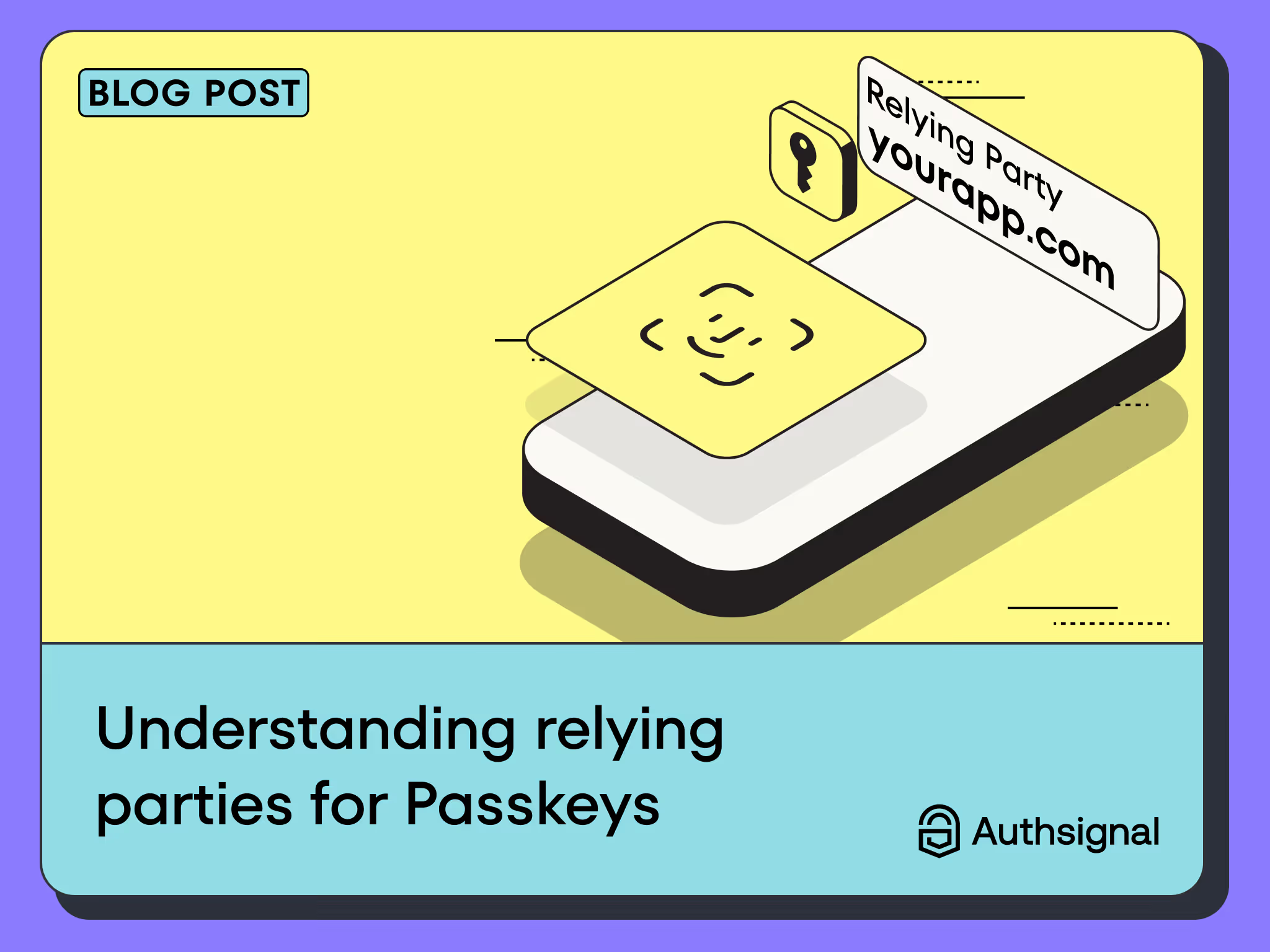
Understanding Relying Parties for Passkeys: A Guide on what, why, and how to use them.

Justin Soong
⬤
May 14, 2025
Share
Understanding Relying Parties for Passkeys: A Guide on what, why, and how to use them.

Relying parties (RPs) are crucial to ensuring passkeys are phishing-resistant. We explain what relying parties are in more detail and how to configure them.

A relying party (RP) is responsible for issuing and authenticating passkeys. Typically, a relying party is in charge of the server-side and client ceremonies. This involves a server dedicated to registering, storing, and verifying the credentials generated by these passkeys on the client. The client application initiates the passkey generation and verification process. Web-based client applications achieve this through the WebAuthn browser API, whereas native mobile applications achieve this through their respective operating system (OS) SDKs and association mechanisms.

Why Relying Parties Play a Crucial Role in Making Passkeys Phishing Resistant

Relying parties are essential in ensuring the effectiveness and security of passkeys, particularly in providing phishing-resistant authentication. Here’s how they contribute to this vital security feature:

1. Binding Credentials to Specific Origins

One of the fundamental principles that make passkeys phishing-resistant is the binding of credentials to specific web origins. When a passkey is registered, the RP ensures that the credentials are tied to its specific domain (or a registrable suffix of that domain). This means that credentials created for login.example.com cannot be used on phishing-site.com, even if the phishing site tries to mimic the legitimate one. The browser enforces this origin binding, ensuring that passkeys are only used in the correct context. This domain is referred to as the Relying Party ID (rpID).

2. Control Over Registration and Authentication Processes

Through the WebAuthn API, relying parties have complete control over the registration and authentication ceremonies. By managing these processes, RPs can enforce strict security measures, such as requiring hardware-backed authenticators or setting high assurance levels for authentication. This control helps ensure that only genuine and secure credentials are created and used.

3. Verification of Authenticator Responses

During the authentication process, the RP validates the authenticator's responses. This includes checking the authenticity of the cryptographic signatures generated by the private key stored on the user's device. The RP must verify that the response is correctly signed and corresponds to the public key registered during the initial setup. This validation process prevents attackers from using stolen or forged credentials to gain unauthorized access.

How to choose the best Relying Party ID (rpID) for your application

Because the binding of the relying party is a crucial component of a passkey registration and authentication ceremony, choosing a rpID is an important decision before turning passkeys on for your users. By its nature, passkeys are tightly bound to their rpID, so changing it after a passkey rollout can become problematic.

The simplest approach is to choose the highest level parent domain as your rpID, for example, yourwebsite.com. By choosing this as your rpID, you can use the passkey across both the parent domain and all subdomains, for example, app1.yourwebsite.com and app2.yourwebsite.com. Do note that this doesn’t apply the other way around; if you register a passkey with a rpID of app1.yourwebsite.com the passkey is strictly bound to that domain and can’t be used on any other domain, apart from its children subdomain.app1.yourwebsite.com.

The next question that typically follows this is, what happens if I have other domains like yourwebsite.com.au  or yourwebsite.co.uk. This scenario constitutes a cross-origin registration. As of this blog post (July 2024), cross-origin passkey registration is still in the early roll-out phases amongst browsers and not widely supported as this specification is a relatively new addition to the WebAuthn API spec. This means that even with an iframe originating from yourwebsite.com, if the parent origin is yourwebsite.com.au then you’d be unable to register passkeys on most browsers. This doesn’t apply to cross-origin verification; if a passkey was registered on yourwebsite.com you’d be able to do a verification process on yourwebsite.co.uk provided you add the domain https://yourwebsite.co.uk to the list of expected origins. This may sound a bit complicated, but the reason for this is to ensure all the domain properties bind to the passkey while allowing a level of controlled flexibility, and we will keep this post up to date on the coverage of cross-origin registration.

How can Authsignal help?

Authsignal makes it easy to start deploying passkeys even in your existing infrastructure or applications without migration. We simplify things like setting up your relying party ID through our easy steps. Authsignal also provides pre-built UI flows that are tuned for all the different scenarios. If full customization is your preference, Authsignal provides both browser, mobile, and full API control to build user experiences that meet your requirements.
Question icon
Have a question?
Talk to an expert
NewsletterDemo PasskeysView docs
Passkeys
WebAuthn
Phishing resistant
FIDO2
Relying party ID

You might also like

Why pension funds are turning to liveness detection for presence verification
Liveness Detection
Identity Verification
Fraud prevention

Why pension funds are turning to liveness detection for presence verification

April 21, 2026
How a global real estate company strengthened MFA with Authsignal
Azure AD B2C
Multi-factor authentication
Passkeys

How a global real estate company strengthened MFA with Authsignal

April 14, 2026
What is Visa VAMP? Thresholds, fees, and how it affects your dispute ratio
Visa VAMP
Chargebacks
Dispute Management

What is Visa VAMP? Thresholds, fees, and how it affects your dispute ratio

April 13, 2026

Secure your customers’ accounts today with Authsignal

Passkey demoCreate free account
Authsignal Purple Logo

Authsignal delivers passwordless and multi-factor authentication as a service. Focused on powering mid-market and enterprise businesses to rapidly deploy optimized good customer flows that enable a flexible and risk-based approach to authentication.

AICPA SOCFido Certified
LinkedInTwitter
Passwordless / multi-factor authentication (MFA)
Pre-built UI (low code)UI components (customizable)Custom UI (flexible)
Why Authsignal?
Drop-in authentication
Risk-based authentication PasskeysBiometric authenticationWhatsApp OTPSMS OTPEmail OTPMagic linksAuthenticator apps (TOTP)Push authenticationPalm biometricsDigital Credential Verification API
Rules and policies engine
User observability
Industries
Financial services
Marketplace
e-Commerce
FinTech
Crypto
View all industries
Teams
Engineers
Use cases
Account takeovers (ATO)
Go passwordless
Call center
SMS cost optimization
Existing apps
View all use cases
Identity providers (IDPs)
Amazon Cognito
Auth0
Azure AD B2C
Custom identity provider
Duende IdentityServer
Keycloak
NextAuth.js
Integrations
ASP.NET
C#
Java
Node.js
Open ID Connect (OIDC)
PHP
Python
React
Ruby
Ruby on Rails
Compare
Twilio Verify vs AuthsignalAuth0 vs AuthsignalAWS Cognito vs Authsignal + AWS Cognito
Resources
BlogDeveloper docsFree Figma mobile passkeys templateFree Figma desktop passkeys templateFree Figma webapp passkeys template
Company
About usWhy AuthsignalGuidesCareersPress releasesPartnersContact us
What is
SMS OTP
Risk Based Authentication
IP Spoofing
Passwordless authentication
Multi-Factor Authentication (MFA)
United States
+1 214 974-4877
Ireland
+353 12 676529
Australia
+61 387 715 810
New Zealand
+64 275 491 983
© 2026 Authsignal - All Rights Reserved
Terms of servicePrivacy policySecuritySystem statusCookies