.avif)
Azure AD B2C is a popular choice as an identity provider due to its seamless integration with Microsoft's ecosystem and robust identity management features.
While Azure AD B2C offers a selection of MFA options, such as email OTP, SMS/phone call and authenticator apps - the options are limited and can be challenging to adjust to your exact requirements.
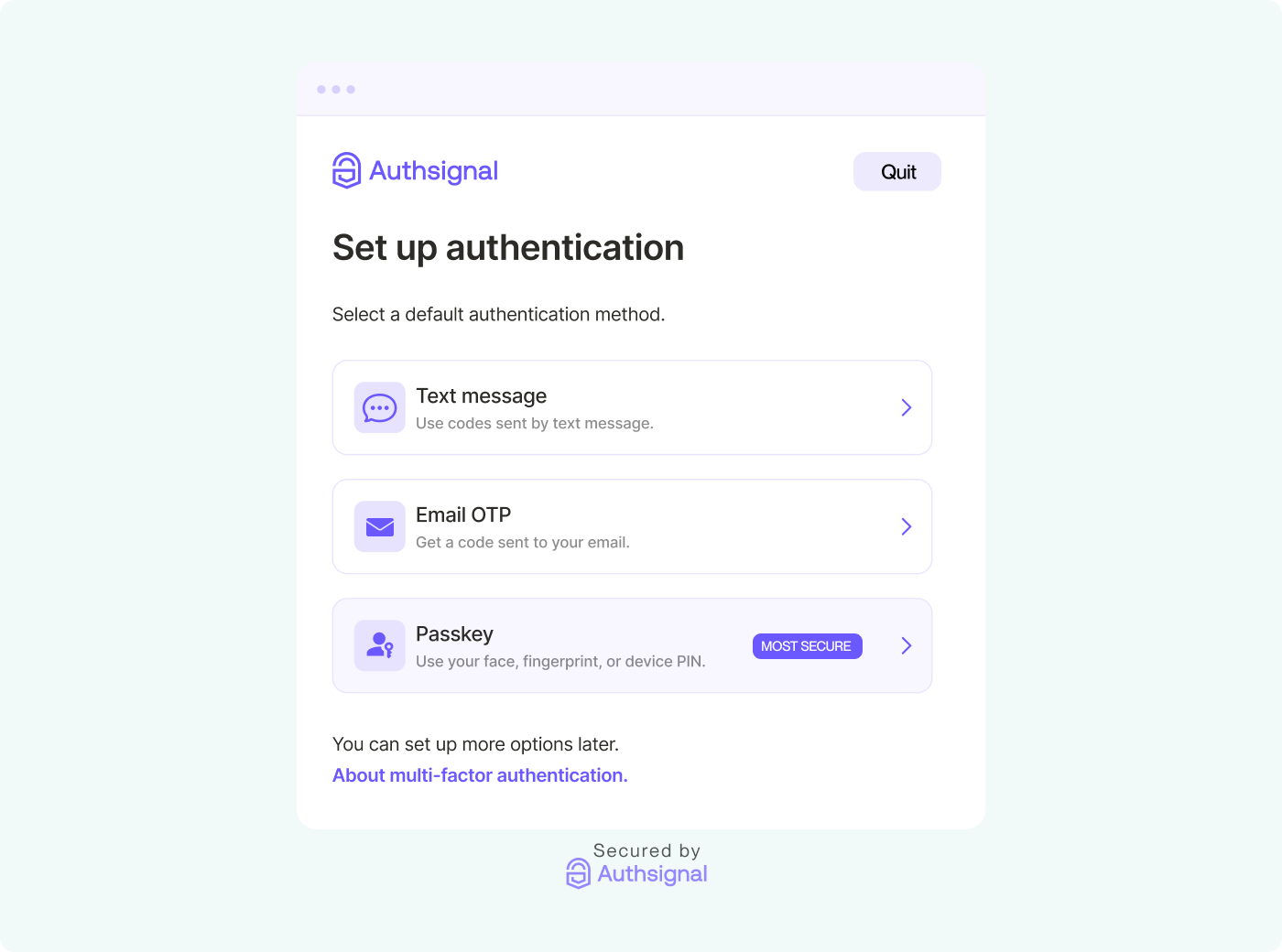
Authsignal offers a broad range of authentication methods, including SMS, authenticator apps, email magic links, email OTP, push notifications, security keys, passkeys, and biometrics.
Combined with Authsignal’s no-code rules engine and analytics suite, you’ll unlock fine-grained control of your customer journey and gain increased observability across the customer journey.
Integrate Authsignal into Azure AD B2C for MFA
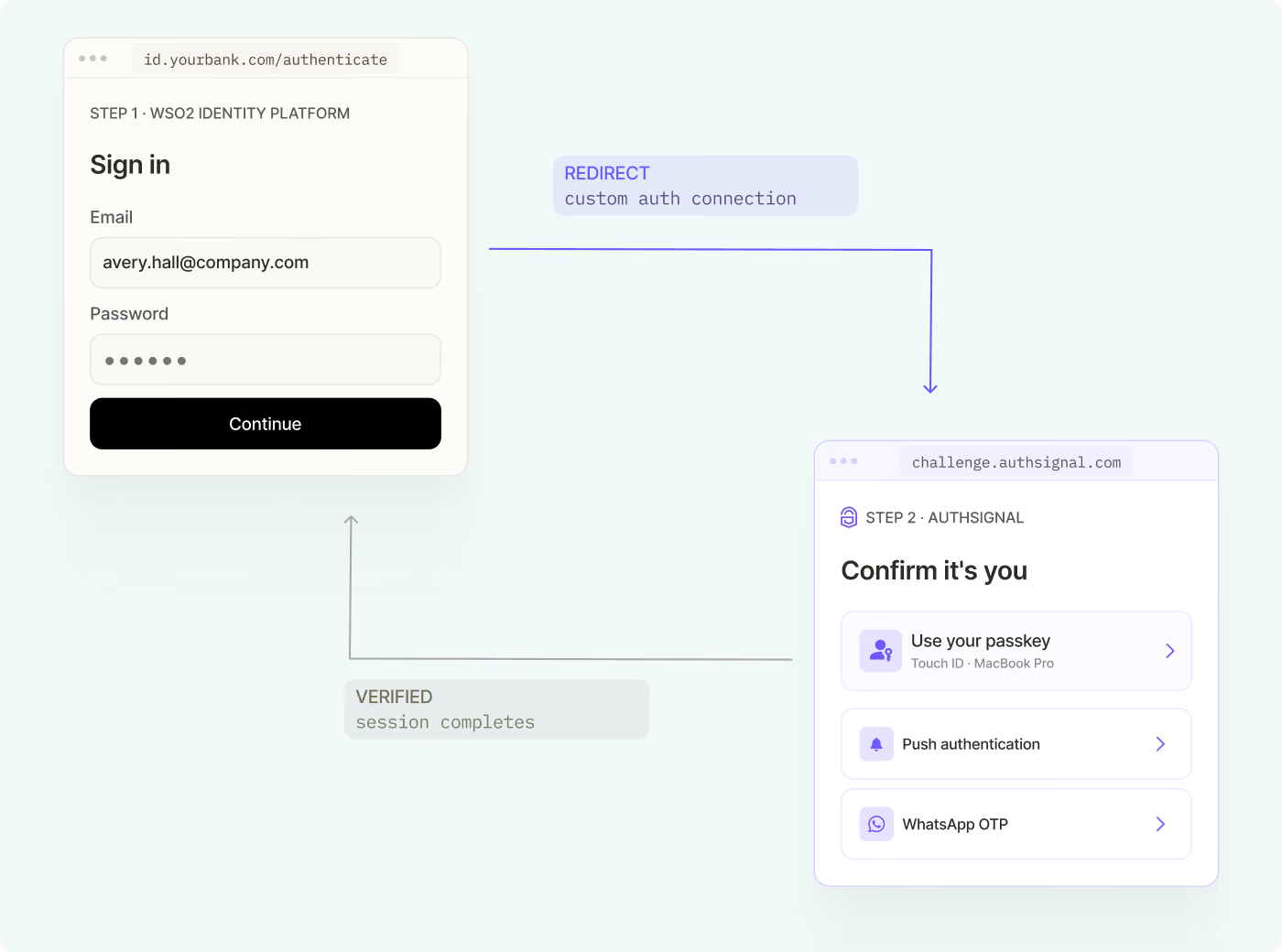
Authsignal provides an easy integration with Azure AD B2C using Open ID Connect (OIDC) via the Azure AD B2C’s identity experience framework custom policies allowing Azure AD B2C customers to add best-in-class MFA experiences.

Get started with our step-by-step guide, which includes code snippets and a full code example for integrating Authsignal's MFA with Microsoft Azure AD B2C.
Implement Passwordless Authentication in Azure AD B2C with Authsignal
Going passwordless offers significant benefits for users and organizations. It enhances security by eliminating weak passwords, provides a smoother user experience, and reduces IT support burden. Passwordless methods like tailored to your users will improve login convenience while meeting strict security standards.
This approach leads to better security, increased productivity, and improved user satisfaction. With Authsignal's integration into Azure AD B2C, organizations can easily implement passwordless authentication.

To transition from using Authsignal for MFA to passwordless login, follow our easy-to-use guide on removing the password field and using your desired authentication method.
Integrate Passkeys Directly into Your Azure AD B2C Login Page with Authsignal
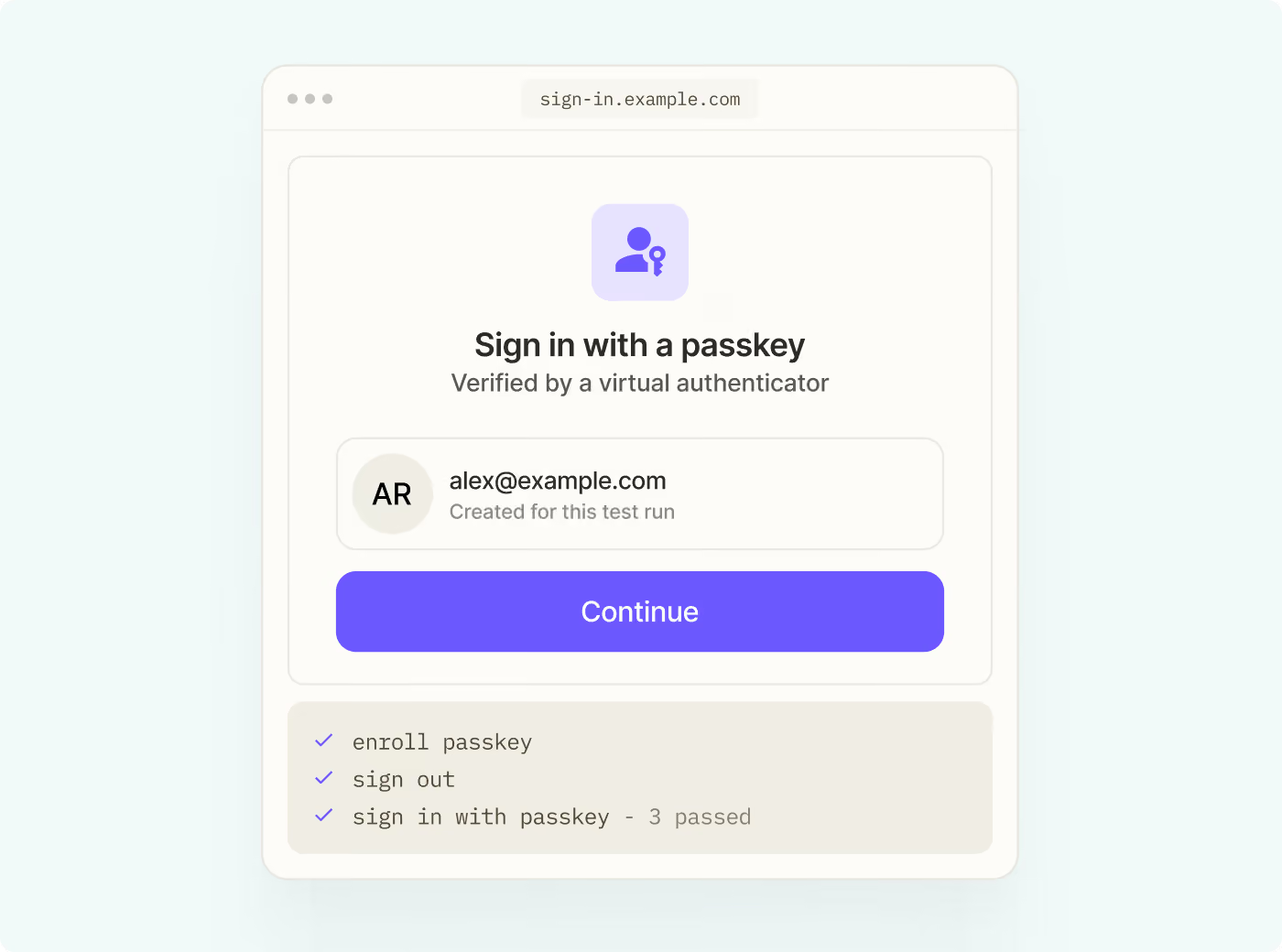
Implementing passkeys directly on your Azure AD B2C login page with Authsignal significantly reduces login time for users. Passkeys eliminate the need for traditional passwords, allowing users to authenticate quickly and securely using their device's built-in biometric sensors or PIN. This streamlined process cuts down on the time spent typing usernames and passwords, retrieving forgotten credentials, or navigating through multi-step authentication flows.
With passkey autofill, users can complete the login process in just a few seconds, often with a single click or touch. This dramatic reduction in login time not only enhances user experience but also increases productivity, especially for frequently accessed applications.
By leveraging Authsignal's passkey integration with Azure AD B2C, organizations can provide their users with a faster, more convenient, and highly secure authentication method that substantially decreases the time required for each login session.

Learn how to add passkey autofill to your Azure AD B2C login page and dramatically improve the login experience for your users. This guide works whether you're still providing password-based login or not.
Summary
Authsignal excels in enhancing Azure AD B2C authentication, whether you need robust MFA, want to implement passwordless login, or wish to integrate passkeys directly into your Azure AD B2C login page.
Ready to enhance your Azure AD B2C authentication? Take the next step with Authsignal:
- Create a free account: Experience Authsignal's powerful features firsthand. Sign up now for a no-obligation free account.
- Explore our documentation: Dive deeper into our Azure AD B2C integration guides. Visit our comprehensive documentation to get started.