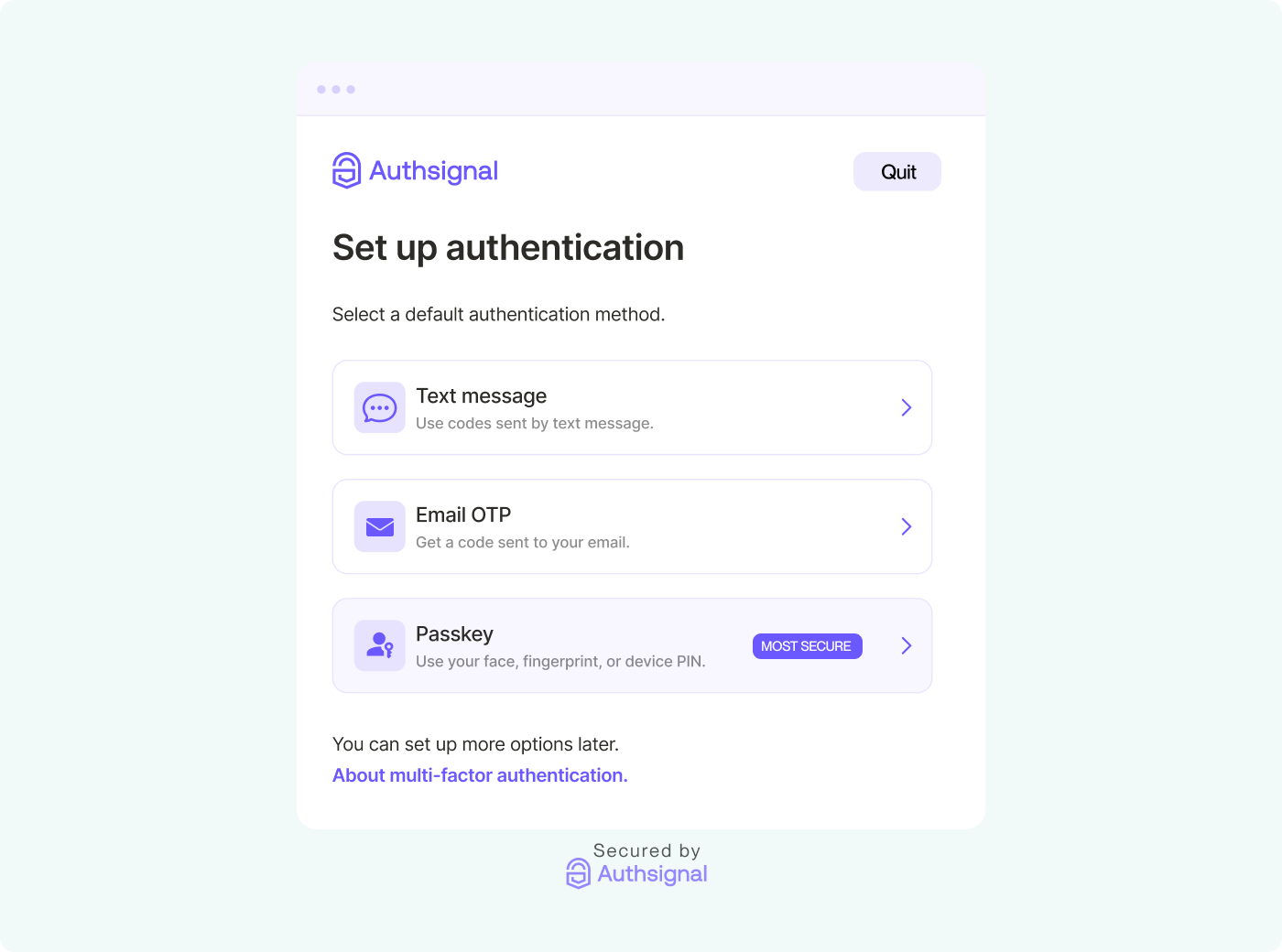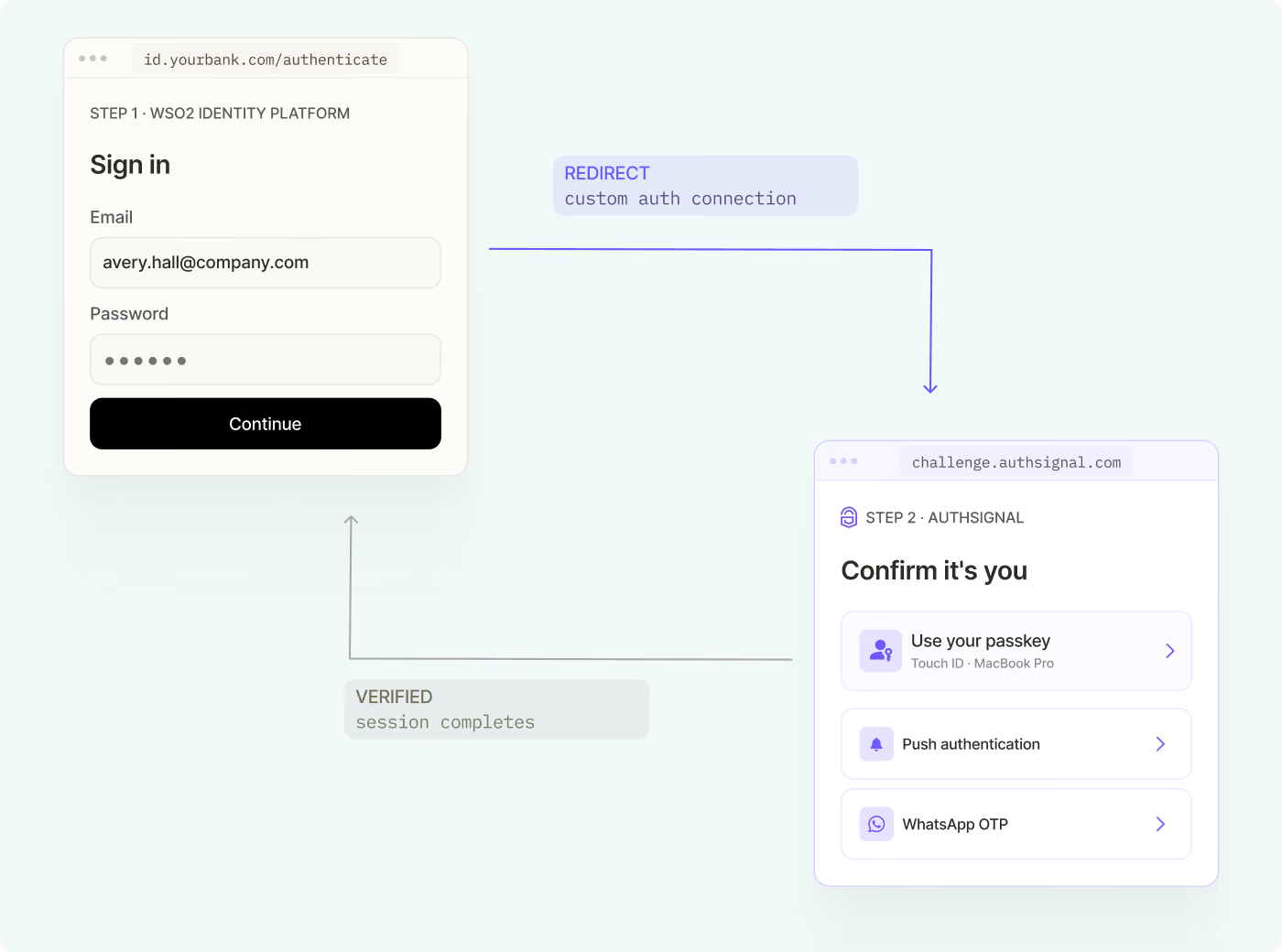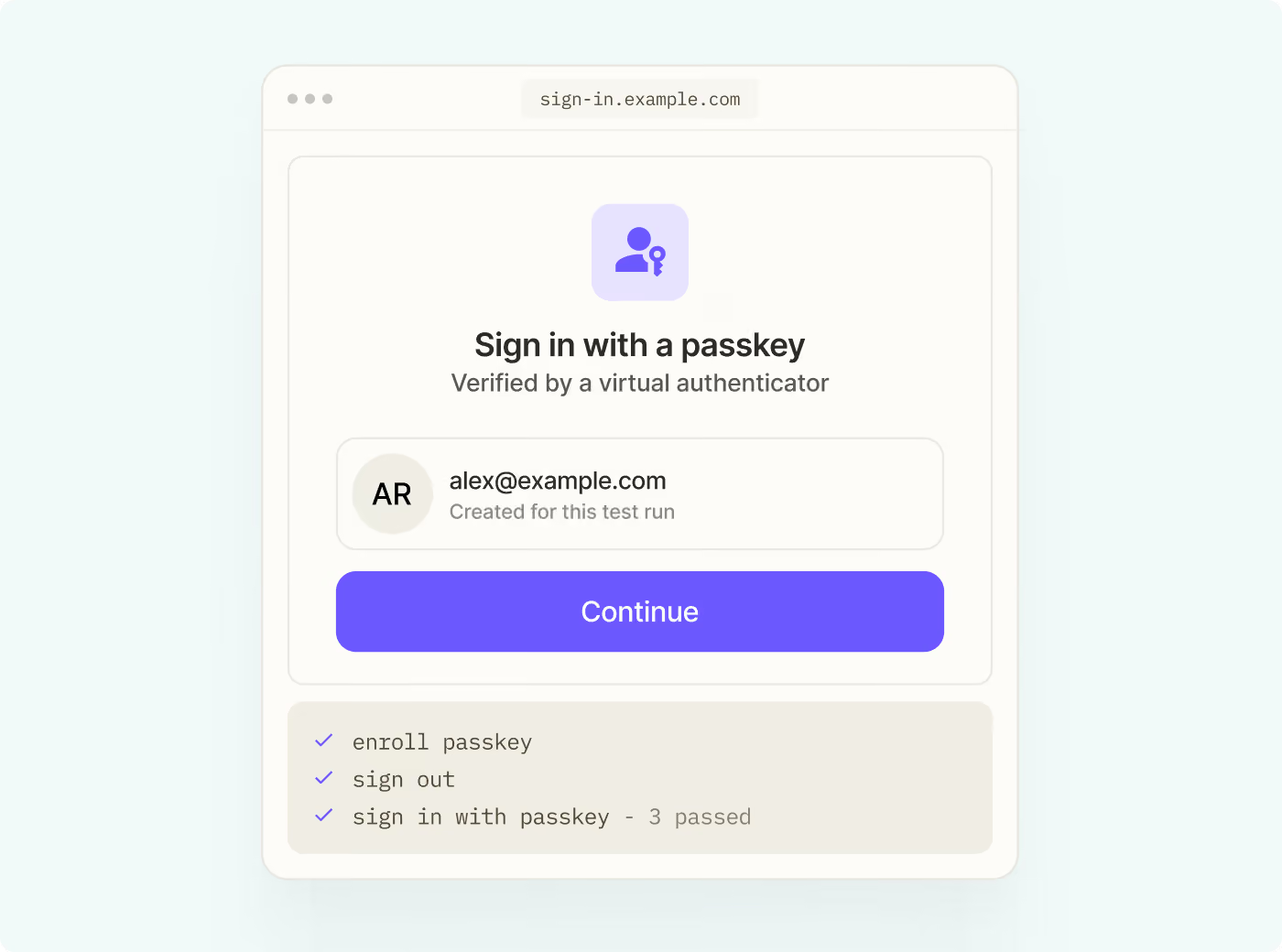
Add authentication flows into your react app or website using Authsignal’s UI components with the React SDK. Fast-track passkeys and MFA implementation for your client-side app. Authsignal's fast, easy-to-integrate components enable developers to create bespoke authentication user experiences without starting from scratch, giving you the flexibility and control you need to build your client-side authentication flows.
The Authsignal React SDK builds on top of the Web SDK by providing UI components that can be added to your React app.
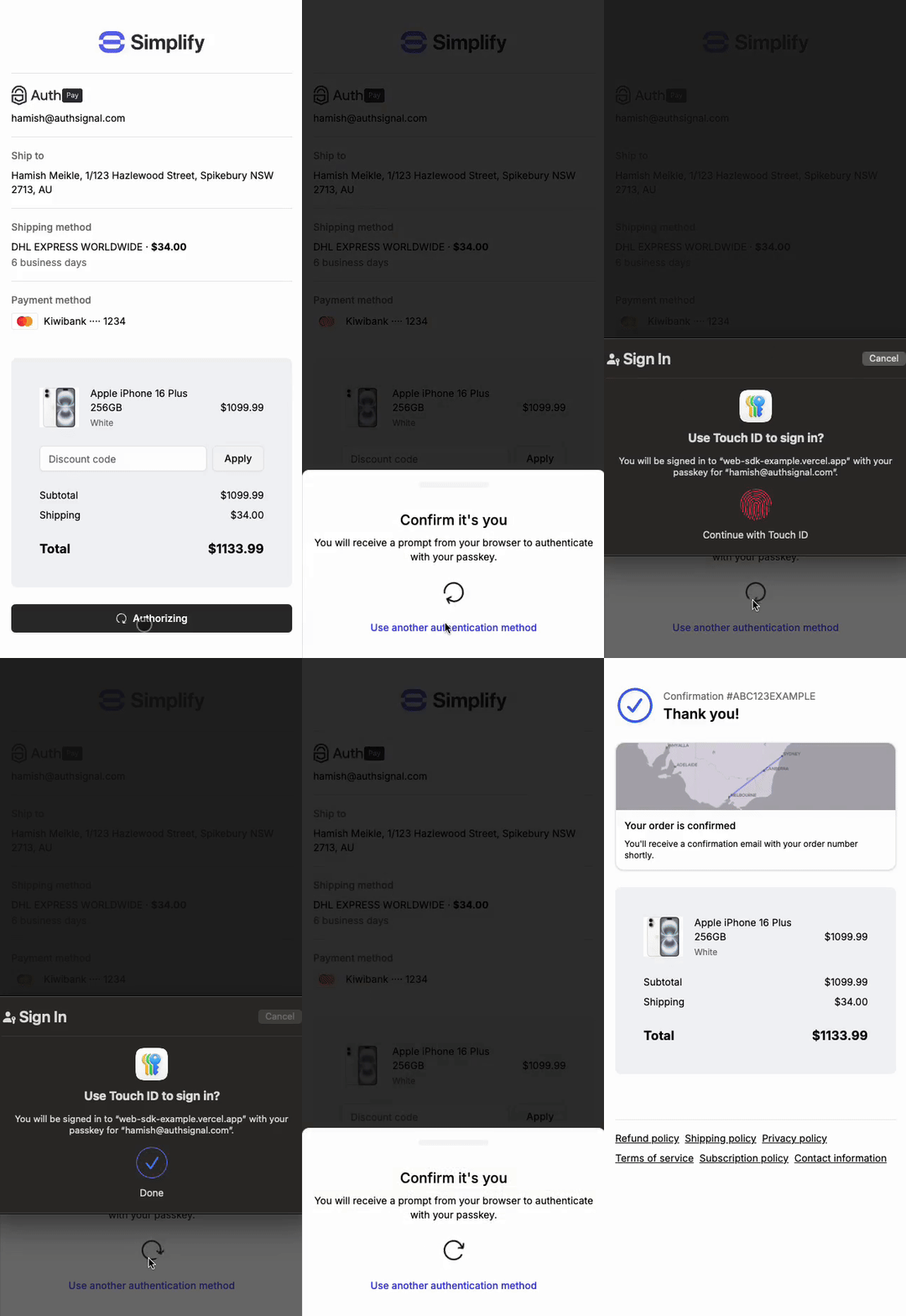
AuthsignalProvider component
The AuthsignalProvider component allows you to use the useAuthsignal hook. Render the AuthsignalProvider component at the root of your application so that it is available everywhere you need it.
useAuthsignal hook
The useAuthsignal hook returns two functions, startChallenge, and startChallengeAsync, that you can use to trigger the authentication flow.
Both functions require a token to be passed as an argument. Your server should return the token after tracking an action.
startChallenge
The startChallenge function triggers the authentication flow.