Passkey immediate mediation lets web apps try an immediately available passkey first, then fall back to another sign-in method without showing users a confusing QR code prompt.
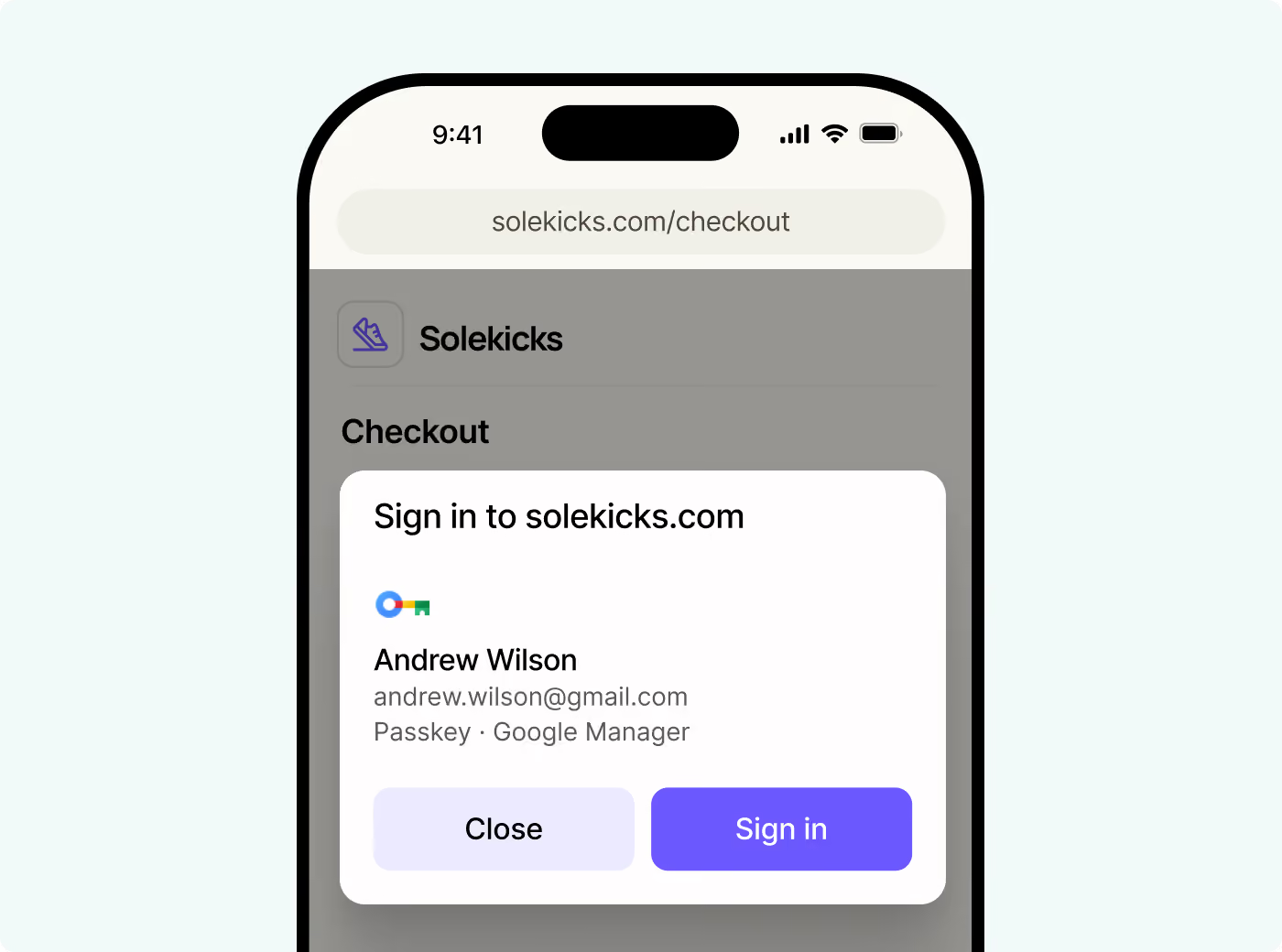
Native apps have had the cleaner passkey sign-in flow for a while. You show one Sign in button. The phone checks whether there is a passkey it can use right away. If there is, the native prompt appears. If there is not, the app falls back to email or another method without showing the user a dead end.
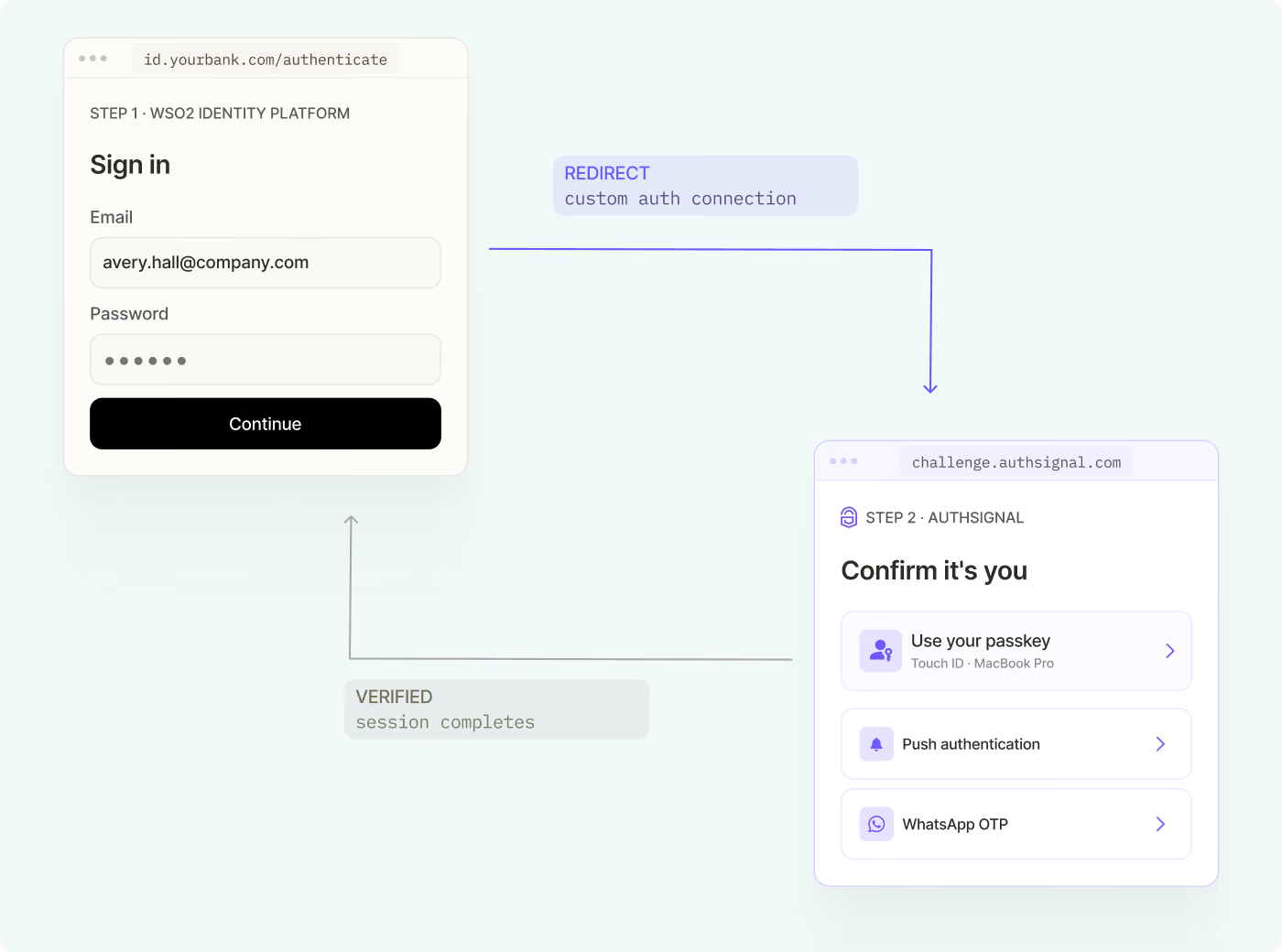
The web has been harder. A regular Sign in with passkey button can still push users without a local passkey into a QR code or hybrid sign-in screen. That is useful for cross-device sign-in, but it is not the same as the mobile pattern where the app can try the passkey path first and quietly fall back.
Passkey immediate mediation changes that. The browser feature now ships under the name Immediate UI mode, but the product problem is easier to understand through the original passkey immediate mediation framing: try an immediately available passkey first, then fall back without showing the wrong prompt.
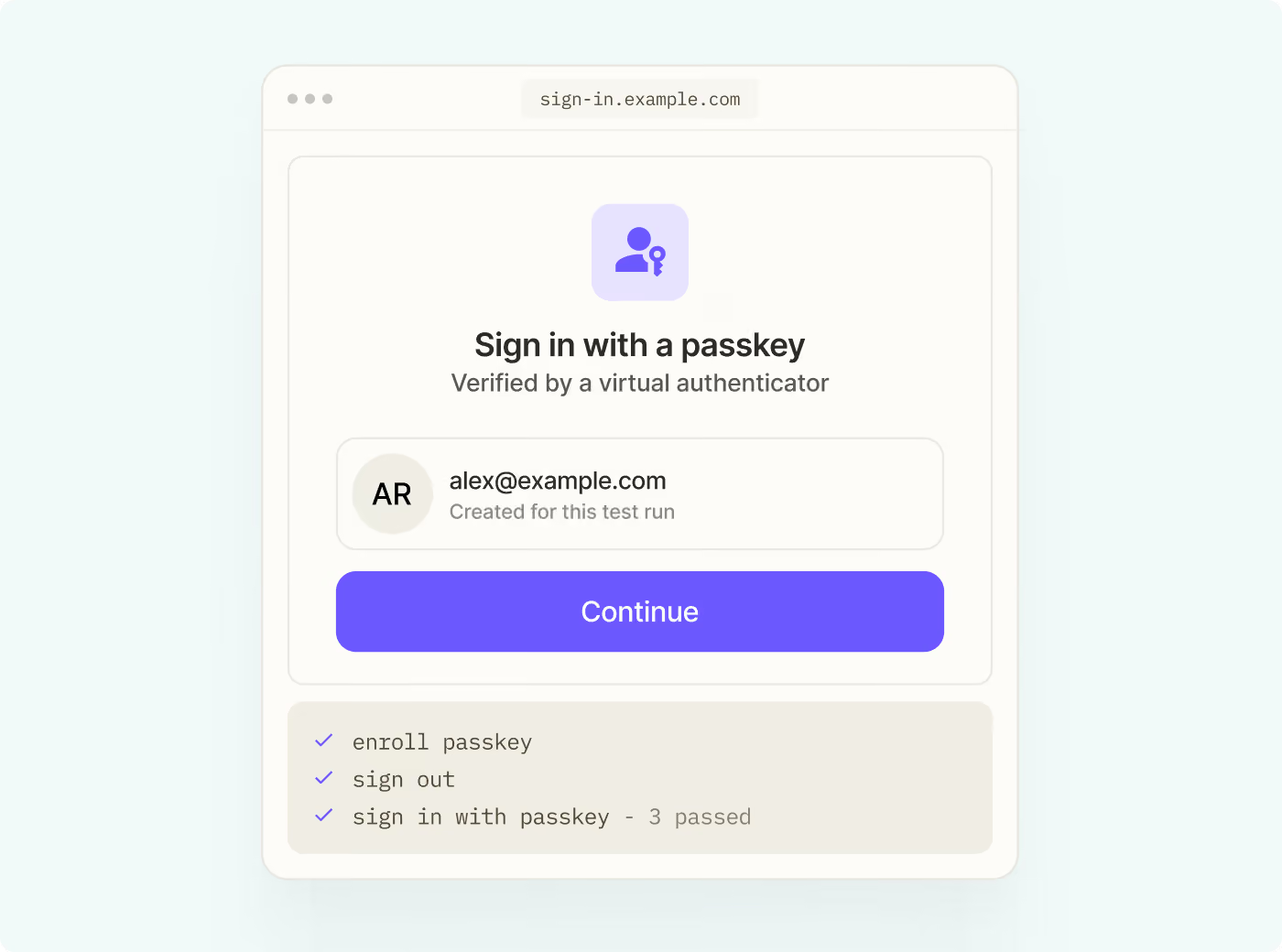
If a passkey is available on the current device, the browser shows the native account picker. If not, the request returns without interrupting the user, and your app can show its normal sign-in flow. In Authsignal, you turn this on with one Web SDK option.
Why you cannot just check for a passkey first
The obvious solution would be to ask the browser, "Does this user have a passkey here?" and then show the right screen.
Passkeys do not work that way, deliberately. If a website could silently check whether a credential exists on a device, that fact could reveal whether someone had used the site before. That is a tracking signal. WebAuthn has been designed to avoid giving sites credential availability information before the user is involved.
Passkey immediate mediation is the narrow version of that check. It is designed for sign-in moments, such as a user clicking Sign in or starting checkout. The browser can offer an immediately available credential if one exists, or return quickly if it does not. The site still does not receive credential details unless the user completes the authentication ceremony.
How mobile already handles this
Authsignal's mobile SDKs already support this style of passkey-first sign-in. You call passkey sign-in from a single button. If a passkey is available on the device, the platform prompt appears. If no passkey is available, you handle the returned error and fall back to email, SMS, or another method.
The mobile passkey best practices guide shows the pattern for iOS, Android, React Native, and Flutter.
The exact platform behavior differs. Android can return a specific no-credential result. iOS can report the same fallback path when there is no usable passkey or when the user cancels the prompt. Product-wise, the response is the same: send the user to a backup method that always works.
What mobile had, and the web was missing, was immediate mediation for passkeys: a way to try passkeys first without forcing every non-passkey user through the wrong browser UI.
Passkey immediate mediation in the Web SDK
Authsignal's Web SDK exposes this through preferImmediatelyAvailableCredentials.
const response = await authsignal.passkey.signIn({
  action: "signInWithPasskey",
  preferImmediatelyAvailableCredentials: true,
});

if (
  response.errorCode === "credential_not_found" ||
  response.errorCode === "immediate_mediation_not_supported"
) {
  // No immediately available passkey, or the browser does not support immediate mode.
  // Show your normal sign-in form or another fallback method.
} else if (response.data?.token) {
  // Send the token to your backend and validate the passkey sign-in result.
}
If a passkey is available, the user signs in and you receive the token you already validate on your backend. If no immediately available credential is found, the SDK returns credential_not_found. If the browser does not support the required WebAuthn APIs, the SDK returns immediate_mediation_not_supported.
The Web SDK passkey docs have the full API details.
Where passkey immediate mediation fits
Passkey immediate mediation is best for unauthenticated sign-in moments where you do not yet know which user is in front of you:
- A single Sign in button
- A checkout or paywall moment where signing in would improve the flow
- A returning-user experience where cookies may have expired
It is not the right tool when you need to authenticate a specific known user, such as a passkey used as a second factor after someone has entered their email. For that flow, use a user-specific passkey challenge with allowCredentials, passkey autofill, or a clear fallback option. The web passkey best practices guide covers this distinction.
It also cannot be combined with passkey autofill. Autofill is anchored to an input field with autocomplete="username webauthn". Immediate mediation is for a sign-in moment that does not need to start with a username field.
Browser support and API naming
This feature started publicly as WebAuthn immediate mediation, and that is still the clearest way to describe the UX pattern for passkeys. During standardization, the browser API name changed. The older origin-trial shape used mediation: "immediate". The current browser API uses uiMode: "immediate", and Chrome presents the shipped feature as Immediate UI mode.
Chrome announced Immediate UI mode in Chrome 149 on May 12, 2026. Support is still limited to browsers that implement the WebAuthn getClientCapabilities and immediate get APIs, so your fallback path remains required for unsupported browsers, private browsing contexts, and users without a local passkey.
The Authsignal SDK keeps this detail behind preferImmediatelyAvailableCredentials, so your application code does not need to track the browser-level rename.
Close the stale credential gap too
There is another passkey dead end worth handling at the same time. A passkey can be deleted on the server but still appear in the user's password manager. The user chooses a credential that looks valid, then the server rejects it.
Authsignal's Web SDK handles this with WebAuthn credential syncing. With syncCredentials enabled, which is the default, the SDK uses the WebAuthn Signal API in supporting browsers to keep the browser's credential manager aligned with the passkeys Authsignal recognizes.
After successful passkey sign-up or sign-in, the SDK can signal the set of valid credentials. If sign-in fails because the server does not recognize the credential, the SDK can signal that specific unknown credential so the browser can remove it from future prompts.
Getting started
Keep your normal sign-in flow as the reliable fallback. Then add passkey sign-in with preferImmediatelyAvailableCredentials: true at the sign-in moment.
Users with a local passkey get the native browser picker. Users without one, or users on unsupported browsers, continue through the fallback path they already understand. As browser support expands, the same SDK option can cover more of your web traffic without changing the sign-in surface again.
For the full API, see the Web SDK passkey docs and the web best practices guide.